Home / Laptops / Apple / Apple MacBook Pro 13 M1 (A2338)
Apple MacBook Pro 13 M1 (A2338) repair in Las Vegas
Repairs for the Apple MacBook Pro 13 M1 (A2338) (2020), including screen replacement and battery replacement.
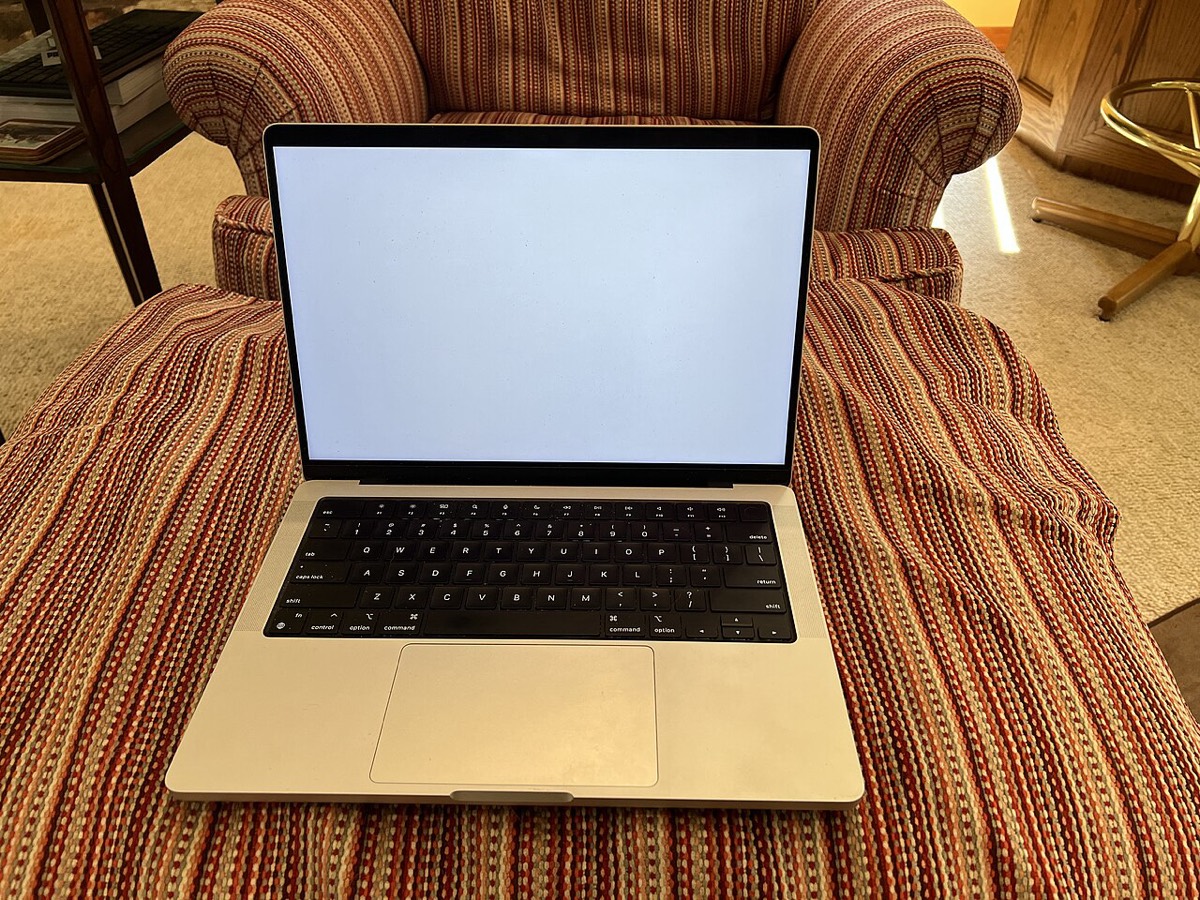

The 13-inch MacBook Pro with Apple’s M1 chip (model A2338) is a light, quiet machine that tends to come in after a drop, a spill or years of daily charging. Owners usually ask about cracked or lined Retina displays, a Touch Bar that stops responding, a battery that no longer holds a charge, or a USB-C port that has gone loose. Each one needs a slightly different approach on this board.
Common MacBook Pro 13 M1 repairs
- Cracked or flickering 13.3-inch Retina display assembly
- Unresponsive or flickering Touch Bar
- Battery replacement for worn or swollen cells
- Loose or dead Thunderbolt / USB-C charging ports
- Liquid damage cleaning and logic board diagnosis
- Touch ID sensor and keyboard faults
- Fan noise or overheating under load
- macOS reinstall and Apple silicon recovery mode help
What is (and isn’t) upgradeable on the M1 13-inch
On the A2338, the unified memory sits inside the M1 package and the SSD chips are soldered to the logic board, so neither can be upgraded after purchase. That makes the specification you bought the one you keep. It also means a board-level fault affects storage directly, which is why an honest diagnosis matters before any part is ordered. Repairs here focus on the display, battery, ports, keyboard and Touch Bar, and the board itself.
Both charging ports are on one side
This model has only two Thunderbolt / USB 4 ports, both on the left edge, and they are also the only way to charge. If one becomes intermittent, the machine often still charges from the other, so it is worth having it checked before the second port starts acting up. The battery is held in with adhesive rather than screws, so a replacement takes careful work to avoid damaging nearby parts.
Getting your files back
Because storage on the M1 is soldered and encrypted by the chip’s Secure Enclave, files cannot be pulled by removing a drive as on older Macs. In many cases recovery means getting the original logic board working again. Our data recovery service in Las Vegas uses a flat fee, with financing available for up to 12 months.
Frequently asked questions
Can you add more RAM or a bigger SSD to my M1 MacBook Pro 13?
No. On the A2338 the memory is part of the M1 chip package and the storage is soldered to the logic board. If you need more space, external USB-C or Thunderbolt drives are the practical option, and we can help you set one up.
My Touch Bar is blank but the rest of the Mac works. Is that fixable?
Often, yes. A blank or glitchy Touch Bar can come from software, a display-side cable or the strip itself. A free visual inspection is the first step, and if the fault is more complex our diagnostic deposit is put toward the repair.
Do I need an appointment?
No. Walk-ins are welcome at both of our Las Vegas stores, on Durango and Flamingo and at Centennial in North Las Vegas. If a part has to be ordered, it usually arrives in 3 to 5 business days.
Finding your exact model
The A-number is printed in small text on the underside of the device.
More help
We also offer upgrades where your configuration allows, onsite repair, and PC-3000 data recovery.