Home / Laptops / Apple / Apple MacBook Pro 13 Intel (A2251)
Apple MacBook Pro 13 Intel (A2251) repair in Las Vegas
Repairs for the Apple MacBook Pro 13 Intel (A2251) (2020), including screen replacement and battery replacement.
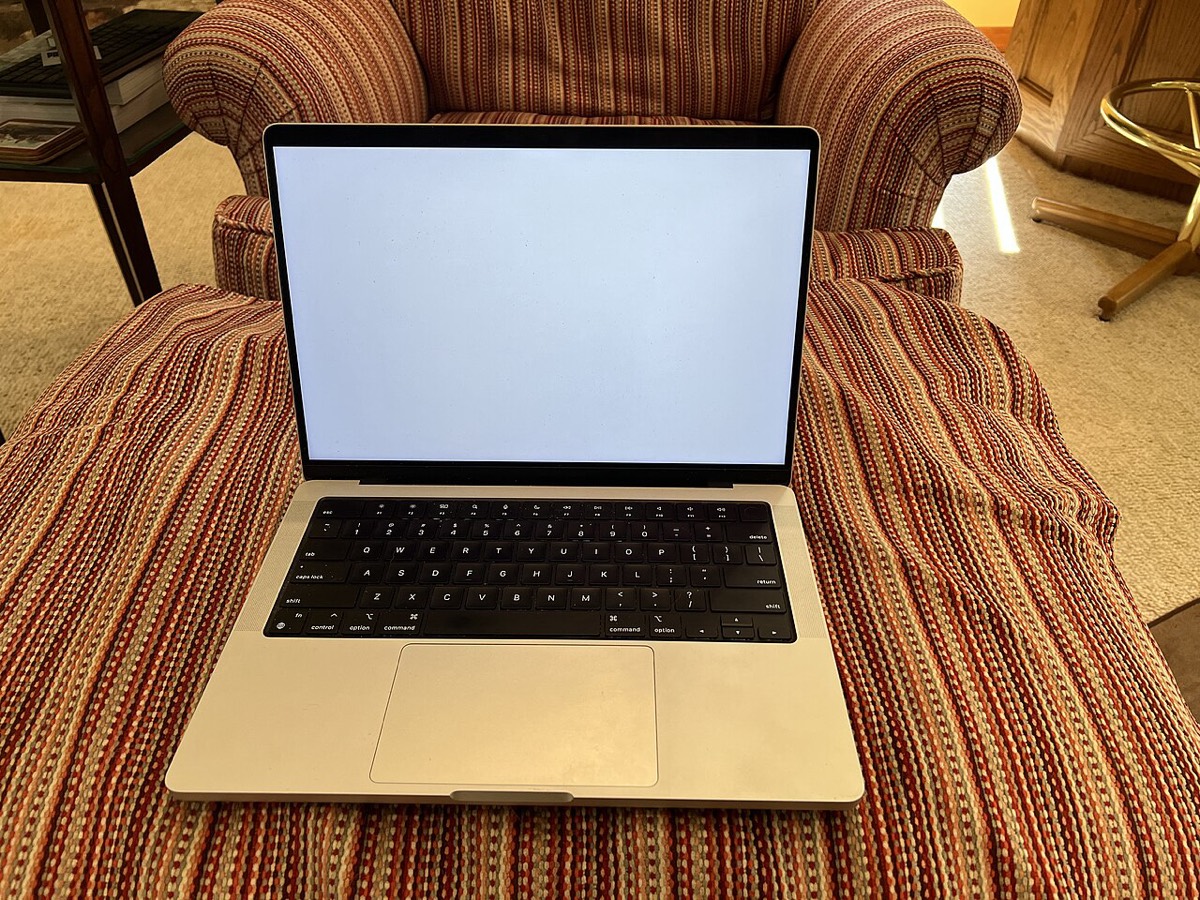

The Apple MacBook Pro 13 Intel (A2251) is the 2020 four-port model with a 10th-generation Intel processor, the Magic Keyboard, a Touch Bar and Apple’s T2 security chip. Owners usually bring it in for a battery that is swollen or reporting service, a Touch Bar that went blank, a cracked display, charging trouble on its Thunderbolt 3 ports, fan noise, or files stuck on a Mac that will not boot.
Common MacBook Pro 13 A2251 repairs
- Battery replacement, including swollen batteries
- Blank or unresponsive Touch Bar
- Cracked or flickering Retina display
- Thunderbolt 3 USB-C charging and port faults
- Fan noise, dust cleaning and overheating
- Keyboard and trackpad problems
- Liquid damage assessment and cleaning
- T2 data recovery and macOS reinstall
Batteries and a lifted trackpad
An aging battery on this model can swell, pushing up the trackpad, stopping it from clicking, or making the bottom case bulge. The cells are glued in, so replacement means careful removal without damaging nearby parts. If your MacBook Pro sits unevenly or the trackpad feels stiff, stop charging it and bring it to one of our Las Vegas stores.
Touch Bar troubles
When the Touch Bar goes black or stops responding, the cause may be software, the Touch Bar display itself, or a connection to the logic board. We rule out the simple fixes first, such as restarting the Touch Bar software and checking macOS, before recommending hardware work. The keyboard is the scissor-switch Magic Keyboard, not the earlier butterfly design.
The T2 chip and your files
Storage on the A2251 is soldered to the logic board and encrypted by the T2 chip. It cannot be removed and read in another computer, so data recovery from a dead unit depends on getting the board working. That is often possible after liquid or power faults. Our data recovery is a flat fee with financing up to 12 months.
Frequently asked questions
Can I upgrade the SSD or RAM in my 2020 MacBook Pro 13?
No. Both memory and storage are soldered to the logic board on the A2251, so they cannot be swapped or upgraded. For more space, an external Thunderbolt or USB-C drive is the usual answer.
Is it safe to keep using a MacBook Pro with a swollen battery?
No. A swollen battery can damage the trackpad and case and is a safety concern. Stop charging it, avoid pressing on it and bring it in for a free visual inspection. Battery parts usually arrive in 3 to 5 business days.
My MacBook Pro will not charge from any port. What happens next?
We test your charger, cable and each Thunderbolt port first. If the fault is on the board, our diagnostic deposit applies and is put toward the repair, and we charge a flat labor fee once you approve the estimate.
Finding your exact model
The A-number is printed in small text on the underside of the device.
More help
We also offer upgrades where your configuration allows, onsite repair, and PC-3000 data recovery.