Home / PC Repair
PC and desktop repair in Las Vegas
Won't turn on, keeps crashing, or takes five minutes to open a browser? Bring it in and a technician will find the real cause.
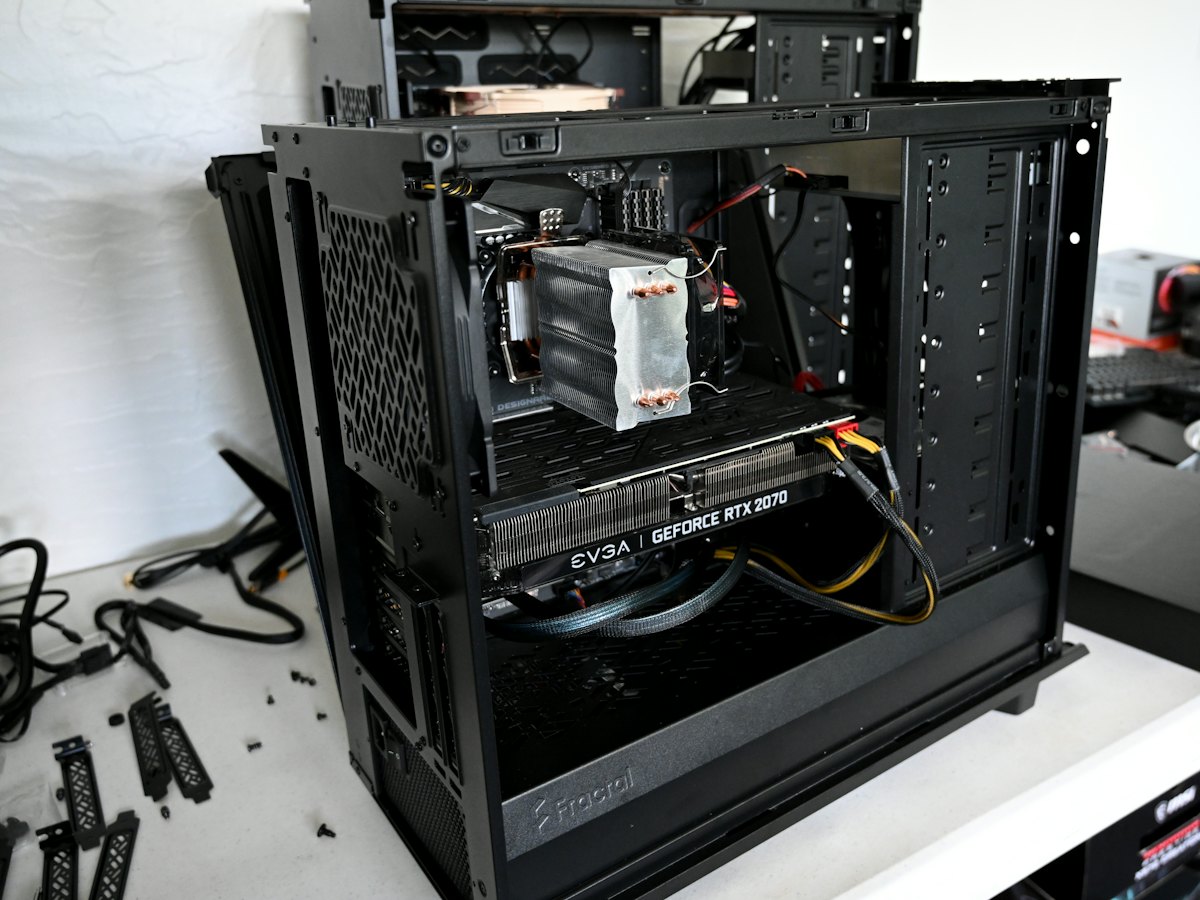
Need your desktop computer fixed in Las Vegas? We repair towers, gaming PCs, all-in-ones, small-form-factor office PCs and workstations from every major brand, including Dell, HP, Lenovo, ASUS, Acer, Alienware, Apple iMac and custom-built machines. Hardware or software, the process is the same: test it properly, explain what’s wrong and what it costs, and only start once you’ve approved the price.
Desktop problems we fix
- PCs that won’t power on or boot
- Blue screens, freezes and random restarts
- Failed power supplies, motherboards and fans
- Overheating, dust build-up and loud cooling
- Virus, malware and pop-up removal
- Windows reinstalls and repairs
- SSD, memory and graphics card upgrades
- Slow computers that need a tune-up
How PC repair works
- Walk in or send a request
Bring it to either store with no appointment, or send the details online and we’ll call you back.
- Inspection and a clear quote
We start with a free visual inspection. Complex faults get a diagnostic deposit, which goes toward the repair.
- Repair, test and collect
Work only starts once you approve the price. We test everything before you pick it up.
What it costs
Every repair starts with a free visual inspection, and many simple problems can be quoted on the spot. If the fault needs deeper testing, the diagnostic deposit is and it is put toward the repair if you go ahead. Labor is a flat fee, so the price doesn’t climb if the job takes longer than expected. If you bring a written estimate from another shop within 30 days, we’ll match it.
Repair or upgrade instead of replacing
A desktop that feels slow is often worth upgrading rather than replacing. Moving from a hard drive to an SSD and adding memory can make an older PC feel like a different machine for far less than a new one. Gaming PCs can often take a newer graphics card or a better cooler. We’ll tell you straight when a repair isn’t worth the money.
Your files come first
If the PC won’t boot, your documents and photos are usually still on the drive. We can copy them off before any repair or reinstall, and if the drive itself has failed our data recovery service can help. Looking for your exact model? Browse desktops by brand.
Where to find us
Visit us at either Las Vegas store: Durango & Flamingo at 4075 S. Durango Dr., Suite 105B, or Centennial / North Las Vegas at 7085 W. Ann Rd., Suite 120. Walk-ins are welcome during opening hours.
Frequently asked questions
How long does a PC repair take?
Many software and simple hardware jobs are done quickly once approved. If a part has to be ordered, PC parts usually arrive in 3 to 5 business days, occasionally longer for less common models. You’ll get the expected timeframe with your quote.
Do I need an appointment?
No. Walk in to either Las Vegas store during opening hours, or send a request online and we’ll get back to you.
How much does a diagnostic cost?
A basic visual inspection at the counter is free. If the device needs checking in, there’s a $75 advanced diagnostic deposit. We then contact you with the price, and the $75 goes toward the repair. The deposit isn’t refunded if you decide not to go ahead.
Do you repair custom-built and gaming PCs?
Yes. We work on self-built and gaming desktops as well as branded PCs. See our custom PC page for builds, upgrades and assembly help.
Will I lose my files?
Not if we can help it. We can back up your files before a repair or Windows reinstall, and recover them from a failing drive if needed.