Home / Laptops / Apple / Apple MacBook Air 13 M2 (A2681)
Apple MacBook Air 13 M2 (A2681) repair in Las Vegas
Repairs for the Apple MacBook Air 13 M2 (A2681) (2022), including screen replacement and battery replacement.
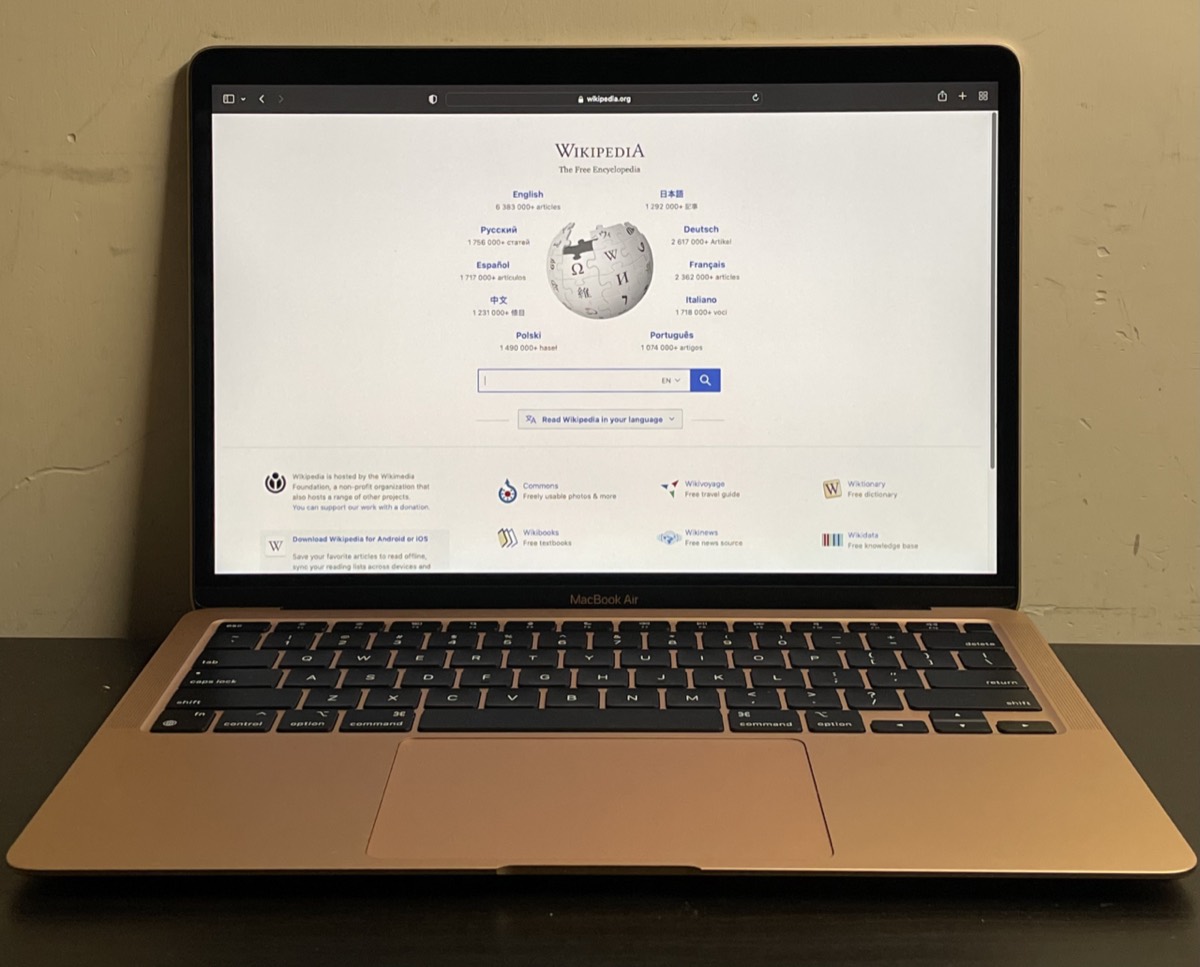

The Apple MacBook Air 13 M2 (A2681) introduced a flatter, thinner design with a 13.6-inch Liquid Retina display, a camera notch and MagSafe charging. Owners most often bring it in for a cracked screen, a coffee or water spill, MagSafe or USB-C charging trouble, a worn battery, keyboard issues, or a Mac that stays dark when the power button is pressed.
Common MacBook Air M2 repairs
- Cracked 13.6-inch Liquid Retina display
- MagSafe 3 charging port problems
- USB-C and Thunderbolt port faults
- Battery replacement
- Liquid spill assessment and cleaning
- Keyboard, Touch ID and trackpad issues
- No power, no boot and DFU restore
- Data recovery from Apple silicon storage
Two ways to charge
The M2 Air added a MagSafe 3 port alongside its two USB-C Thunderbolt ports, and it can charge from any of them. That helps with troubleshooting: if MagSafe stops working but USB-C still charges, the problem is often the MagSafe cable or port rather than the logic board. Bring the charger with you so we can test the full chain.
Battery removal is better than before
Apple secured the M2 Air battery cells with stretch-release adhesive pull tabs, which makes replacement more practical than on older glued-down designs. It still involves removing the board-side components carefully and working near the cells, so it is not a job to rush. A swollen battery should be handled by a technician.
What is fixed in place
Memory and storage are soldered, so capacity cannot be changed later. Base 256GB models use a single NAND chip, which reviews found makes them slower at large file transfers than larger configurations. Storage is also encrypted and tied to the M2 chip, so recovering files from a dead Air depends on getting the board running again. We offer flat-fee data recovery in Las Vegas with financing up to 12 months.
Frequently asked questions
Does a cracked MacBook Air M2 screen need the whole display replaced?
Yes. The glass and panel are a single display assembly on this model. We give a written estimate before ordering, parts usually arrive in 3 to 5 business days, and we price match within 30 days on a written estimate.
Why does my M2 Air feel slow when copying big files?
On base 256GB models, the single-chip SSD is slower at sustained transfers than higher capacities, and a nearly full drive makes it worse. We can check storage health and help move large files to external storage.
I spilled water on my M2 Air. What should I do?
Turn it off, unplug it and keep it closed and upright. Do not charge it or use a hair dryer. Bring it to either Las Vegas store as soon as you can, since corrosion keeps developing after a spill.
Finding your exact model
The A-number is printed in small text on the underside of the device.
More help
We also offer upgrades where your configuration allows, onsite repair, and PC-3000 data recovery.