Home / Laptops / Apple / Apple MacBook Air 13 M3 (A3113)
Apple MacBook Air 13 M3 (A3113) repair in Las Vegas
Repairs for the Apple MacBook Air 13 M3 (A3113) (2024), including screen replacement and battery replacement.
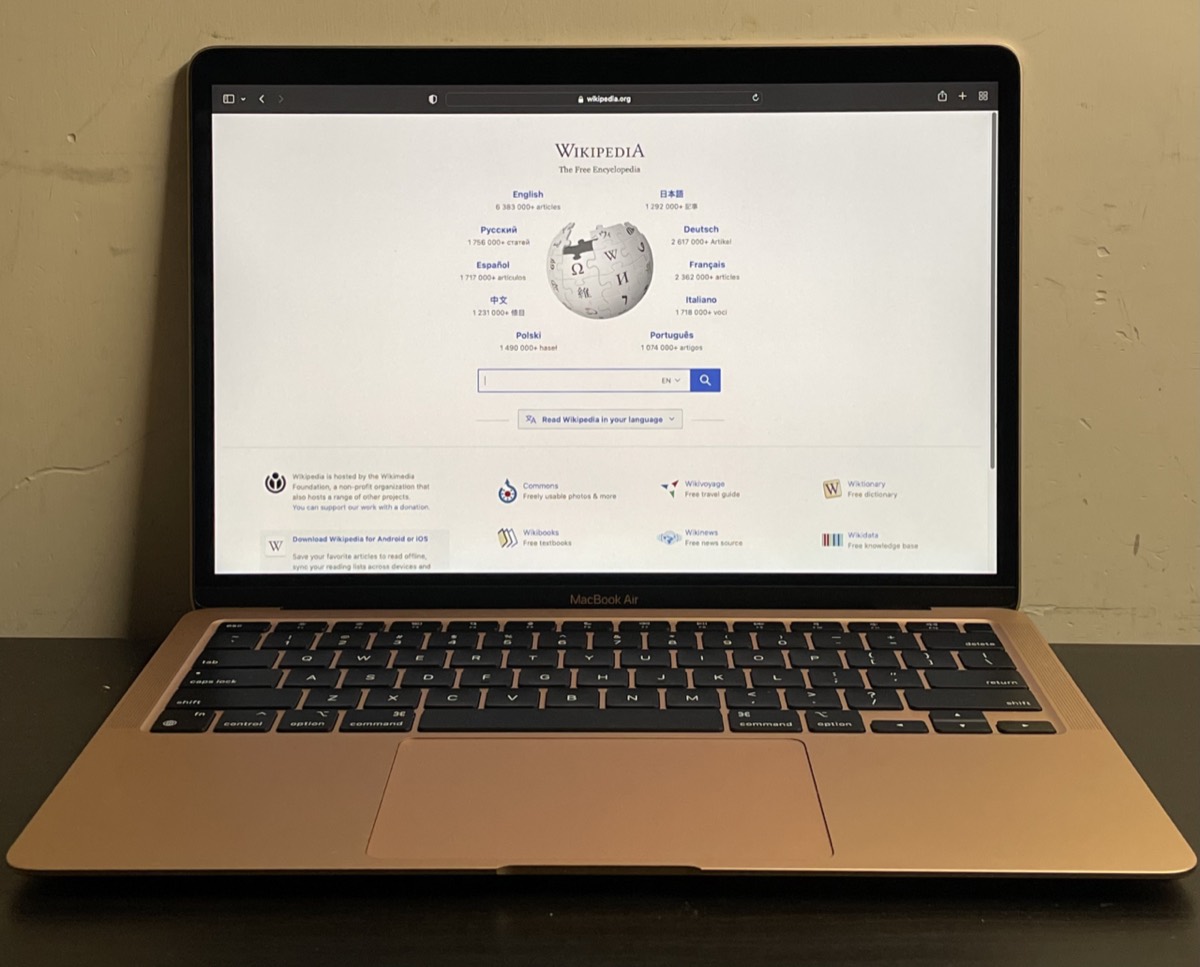

The Apple MacBook Air 13 M3 (A3113) keeps the slim, fanless design of the previous generation and adds a faster chip, Wi-Fi 6E and support for two external displays with the lid closed. Owners typically bring theirs to us for a cracked 13.6-inch screen, liquid accidents, MagSafe charging problems, keyboard or trackpad faults, or files they need back from a Mac that will not start.
Common MacBook Air M3 repairs
- Cracked or flickering 13.6-inch display
- MagSafe 3 and USB-C charging faults
- Liquid damage assessment and cleaning
- Battery replacement
- Keyboard, trackpad and Touch ID repair
- External display setup and dual-monitor issues
- No power or failed macOS update
- Data recovery and Mac-to-Mac transfer
A newer Air with the same weak spot
Like other thin laptops, the M3 Air’s display is the part most easily damaged. Pressure on the lid, a drop on a corner, or something left on the keyboard when closing it can crack the panel. Because glass, panel and lid are a single display assembly, the repair replaces that whole unit. Keep a backup current so a broken screen does not also mean lost work.
Two monitors, but only lid closed
The M3 Air can drive two external displays, but only when its own lid is closed. If your second screen stays black, that is often a setup issue rather than a hardware failure. We can help sort out adapters, docks and settings, and if a port truly has failed we diagnose that separately.
Sealed storage and recovery
The M3’s memory and SSD are soldered to the logic board, and the storage is encrypted and tied to the chip. There is no drive to pull out, so recovering files from a dead unit means reviving the board, which is often possible after liquid or power faults. Our Las Vegas data recovery is a flat fee with financing up to 12 months.
Frequently asked questions
Can I upgrade the storage on my MacBook Air M3?
No. The SSD is soldered to the logic board, as is the memory, so capacity is fixed. An external USB-C SSD is the practical way to add space, and we can set one up for backups or large media libraries.
My M3 Air only charges with USB-C, not MagSafe. Why?
That often points to the MagSafe cable, the port or debris in the magnetic connector, since the USB-C path works. Bring the charger and cable, and we will check it during a free visual inspection.
Can you visit my home or office for an M3 Air problem?
We provide onsite service in Las Vegas, North Las Vegas and Henderson for setup, software and troubleshooting. Screen, battery and board repairs are done at our Durango and Flamingo or Centennial stores.
Finding your exact model
The A-number is printed in small text on the underside of the device.
More help
We also offer upgrades where your configuration allows, onsite repair, and PC-3000 data recovery.