Home / Storage / Synology / Synology DS920+
Synology DS920+ data recovery in Las Vegas
Recover your files from a failed Synology DS920+ with PC-3000 data recovery tools.
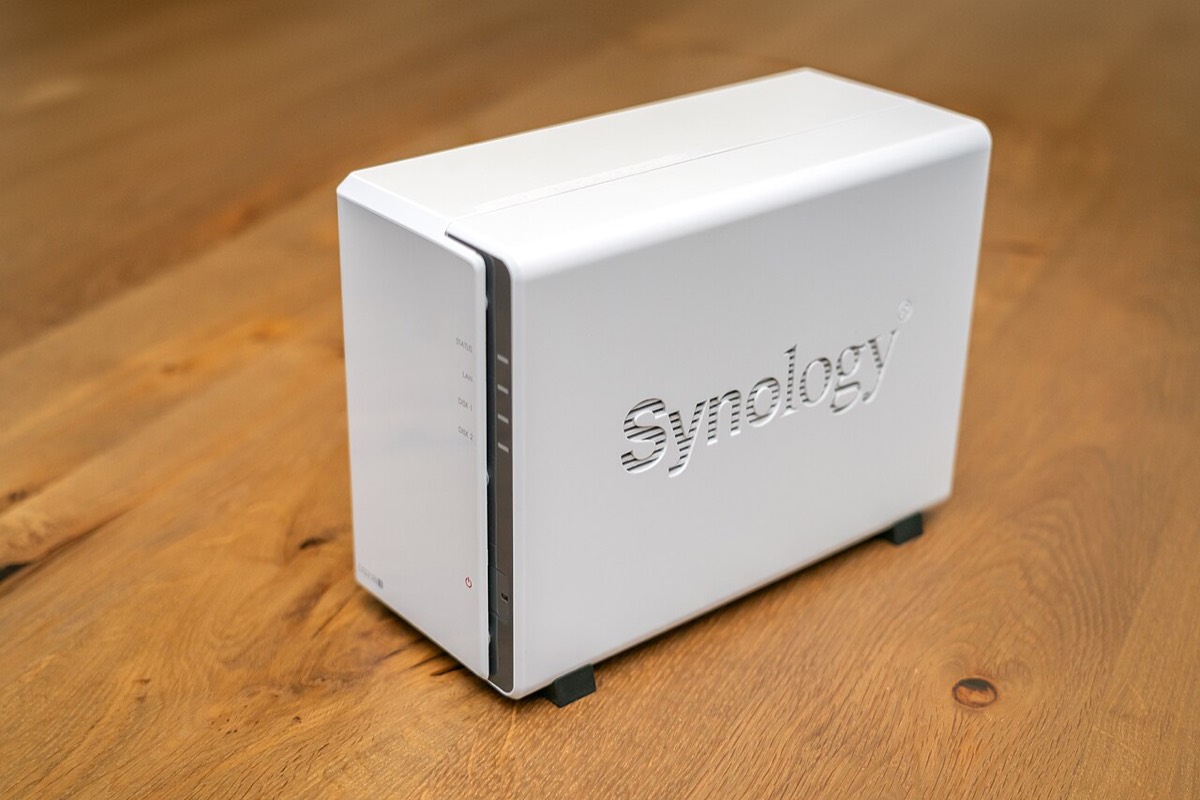

The Synology DS920+ is a four-bay NAS running DSM on an Intel Celeron J4125, popular with home offices and small businesses for shared files, backups and Surveillance Station. When it goes wrong, it is usually serious: a storage pool marked crashed, a volume that will not mount, several failing disks at once, or a botched rebuild after a drive swap.
Common Synology DS920+ data loss situations
- Storage pool or volume showing as Crashed
- Degraded SHR or RAID with a second disk failing
- Rebuild or repair interrupted partway
- Btrfs or ext4 volume that will not mount
- NAS not booting or not found by Synology Assistant
- Disks removed or reinserted in the wrong order
- Problems after a DSM update or NVMe cache failure
- Accidentally deleted shared folders
Before you touch anything
If your DS920+ reports a crashed pool, resist the urge to click repair, re-initialize or reinstall DSM. These options can rewrite the RAID metadata that recovery depends on. Power the unit down, label each disk with its bay number and keep them in order. If you have already pulled drives, tell us exactly what was done.
How DS920+ volumes are built
Most DS920+ units use Synology Hybrid RAID or standard RAID, formatted as Btrfs or ext4. SHR layers Linux mdadm and LVM, so recovery means imaging each disk, rebuilding the array virtually and then reading the file system. Some owners also add NVMe drives in the two M.2 slots as SSD cache, which can matter if a cache failure caused the crash.
Pricing and next steps
We offer three recovery levels, from logical problems to physical disk damage, and agree a flat fee up front, with financing up to 12 months. Bring the labeled disks, or the whole unit, to either Las Vegas store, and include any notes on what DSM reported.
Frequently asked questions
Should I bring the whole DS920+ or just the drives?
The drives are the critical part, labeled with their bay numbers. Bringing the unit as well can help, especially if an NVMe cache was in use or you are unsure about the configuration.
DSM is offering to repair my pool. Should I click it?
If a disk is actively failing, a repair or rebuild can push it over the edge and overwrite metadata. If the data matters and there is no backup, get an assessment before running any repair.
Can you recover a Btrfs volume?
In many cases, yes. We work from images of each disk rather than the originals, rebuild the array virtually and then work with the Btrfs or ext4 file system to retrieve your files.