Home / Storage / Samsung / Samsung T7
Samsung T7 data recovery in Las Vegas
Recover your files from a failed Samsung T7 with PC-3000 data recovery tools.
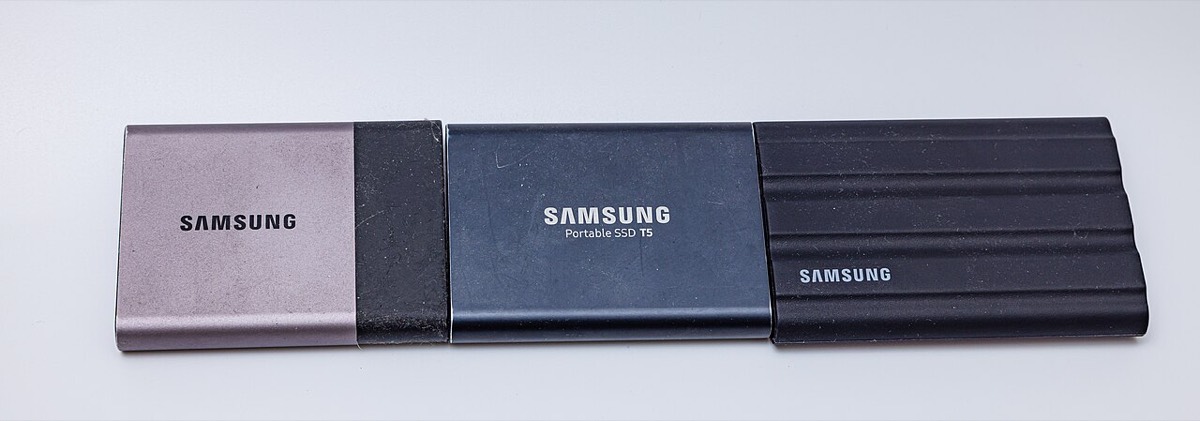

The Samsung T7 is a pocket-sized USB-C portable SSD that people trust with photos, video projects and work files. Because it gets carried everywhere, it also gets dropped, yanked by its cable and plugged into many machines. Customers usually reach us when the T7 stops appearing, asks to be formatted, its USB-C connector is damaged, or its password has been forgotten.
Common Samsung T7 data loss situations
- T7 not detected or disconnecting repeatedly
- Drive asks to be formatted or shows as RAW
- Damaged or loose USB-C connector after a drop
- Forgotten Samsung Portable SSD password
- Files deleted or overwritten by mistake
- Corrupted file system after unplugging during a transfer
- Very slow transfers or freezing when opening folders
What is inside a T7
Inside the aluminum shell is NVMe flash storage connected to a USB 3.2 Gen 2 bridge, so the drive behaves like an internal SSD translated to USB. When the connector or bridge circuitry fails, the stored data is often still intact on the flash. Recovery then means reaching that data without making the fault worse.
Passwords and encryption
The T7 offers optional password protection through Samsung’s software, backed by AES 256-bit hardware encryption. If a password is set and forgotten, there is no back door, and we cannot bypass it. If you think you might remember it, keep trying the likely options before assuming the data is lost.
Stop before trying more fixes
Running repair commands, reformatting or repeatedly plugging in a drive that keeps dropping out can turn a recoverable problem into a permanent one. The same goes for cracking the case open to reseat the connector. Unplug it and bring it to either of our Las Vegas stores for an assessment.
Frequently asked questions
My T7 got dropped and now nothing shows up. Is the data gone?
Not necessarily. Drops often damage the USB-C connector or the board around it rather than the flash memory. In many cases the data can be reached once the connection problem is addressed.
Can you unlock my T7 if I forgot the password?
No. The password protects hardware encryption, and there is no way around it without the correct password. We can still help if the drive was never password protected or the problem is something else.
Should I run recovery software first?
If the drive is detected and healthy, simple software may help with deleted files. If it disconnects, freezes or is not recognized, stop. Repeated attempts can stress a failing drive further.