Home / Laptops / Lenovo / Lenovo Legion 5 (15ACH6H)
Lenovo Legion 5 (15ACH6H) repair in Las Vegas
Repairs for the Lenovo Legion 5 (15ACH6H) (2021), including overheating and thermal repaste and fan replacement.
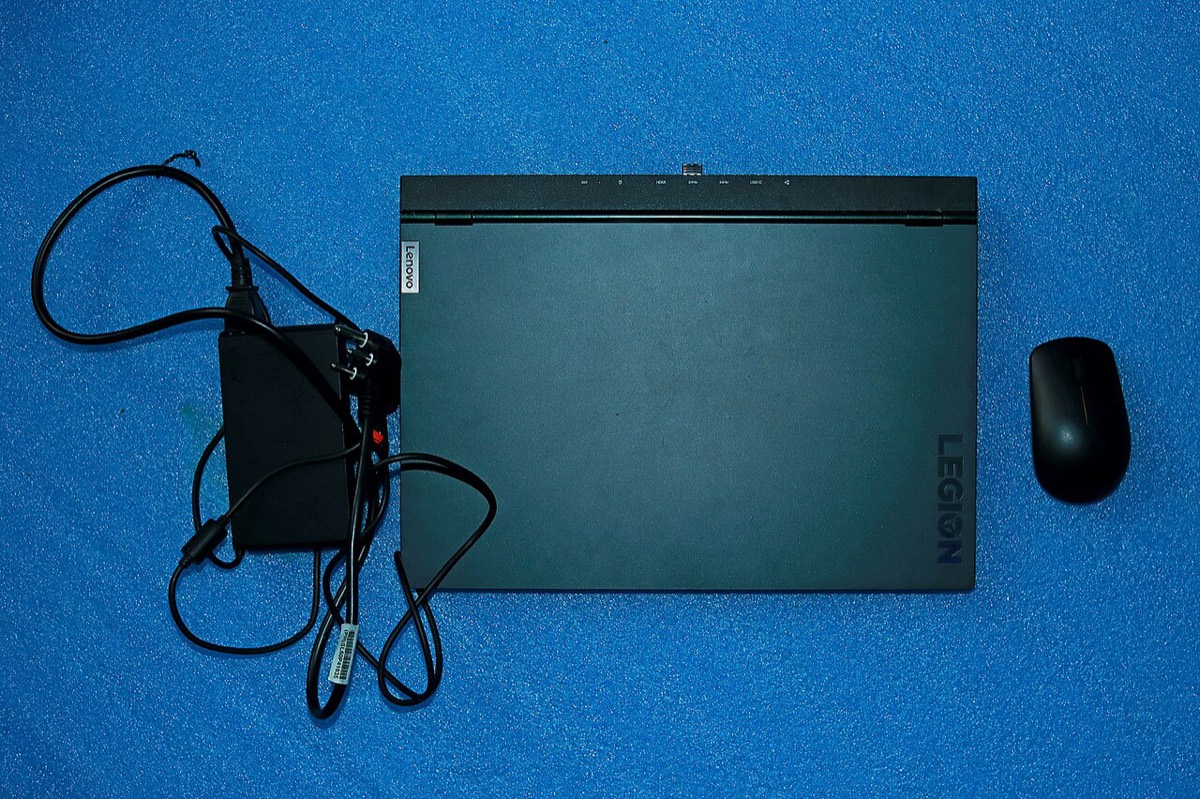

The Lenovo Legion 5 (15ACH6H) is a 2021 gaming laptop pairing AMD Ryzen 5000 H-series processors with an RTX 3060 or RTX 3070 running at up to 130W. That much power means heat, heavy adapters and hard-working fans. Gamers in Las Vegas bring it in for thermal problems, fan noise, cracked high refresh screens, charging and power connector faults, hinge damage and storage upgrades.
Legion 5 15ACH6H repairs
- Deep cleaning, repaste and thermal service
- Fan replacement
- 165Hz FHD or WQHD display replacement
- Slim-tip power connector and adapter faults
- 60Wh or 80Wh battery replacement
- Second M.2 2280 SSD installation
- DDR4 RAM upgrades up to 32GB
- Hinge and lid repair
Built to be upgraded
Lenovo gave the 15ACH6H two DDR4 SO-DIMM slots, supporting up to 32GB, and two M.2 2280 PCIe 3.0 slots. That makes it easy to add a second SSD for games or bring memory up to 32GB. A PCIe 4.0 drive will work but runs at PCIe 3.0 speed in these slots, so a mid-range drive is often the better value.
Power, charging and the GPU
The Legion 5 ships with a 230W or 300W slim-tip adapter. One USB-C port supports power delivery for light use, but full GPU performance needs the slim-tip brick. Some display options support NVIDIA Advanced Optimus, which can switch the screen directly to the RTX GPU. If performance or charging is erratic, bring the adapter so we can test it with the laptop.
Keeping it cool in the desert
High ambient temperatures make dust and dried thermal paste a bigger problem. Throttling, fans at full speed on the desktop and sudden shutdowns are signs a thermal service is due. We clean the fans and heatsinks and replace the thermal compound.
Frequently asked questions
Can I add a second SSD to my Legion 5 15ACH6H?
Yes. It has two M.2 2280 PCIe 3.0 slots, so there is room for another drive. We can install the drive and set it up in Windows so it is ready for your game library.
Can the Legion 5 charge over USB-C?
One USB-C port supports power delivery, which can be useful for light work. For gaming you should use the slim-tip adapter, since the GPU and CPU need more power than USB-C supplies.
My Legion 5 is overheating. What does a cleaning involve?
We open the laptop, clean the fans and heatsink fins, and replace dried thermal paste. If a fan is failing, we quote a replacement. Parts that need ordering usually arrive in 3-5 business days.
Finding your exact model
Look for the machine type and model on the label underneath, or the IdeaPad or Legion name printed there.
More help
We also offer upgrades where your configuration allows, onsite repair, and PC-3000 data recovery.