Home / Laptops / Lenovo / Lenovo IdeaPad 3 (15ITL6)
Lenovo IdeaPad 3 (15ITL6) repair in Las Vegas
Repairs for the Lenovo IdeaPad 3 (15ITL6) (2021), including screen replacement and battery replacement.
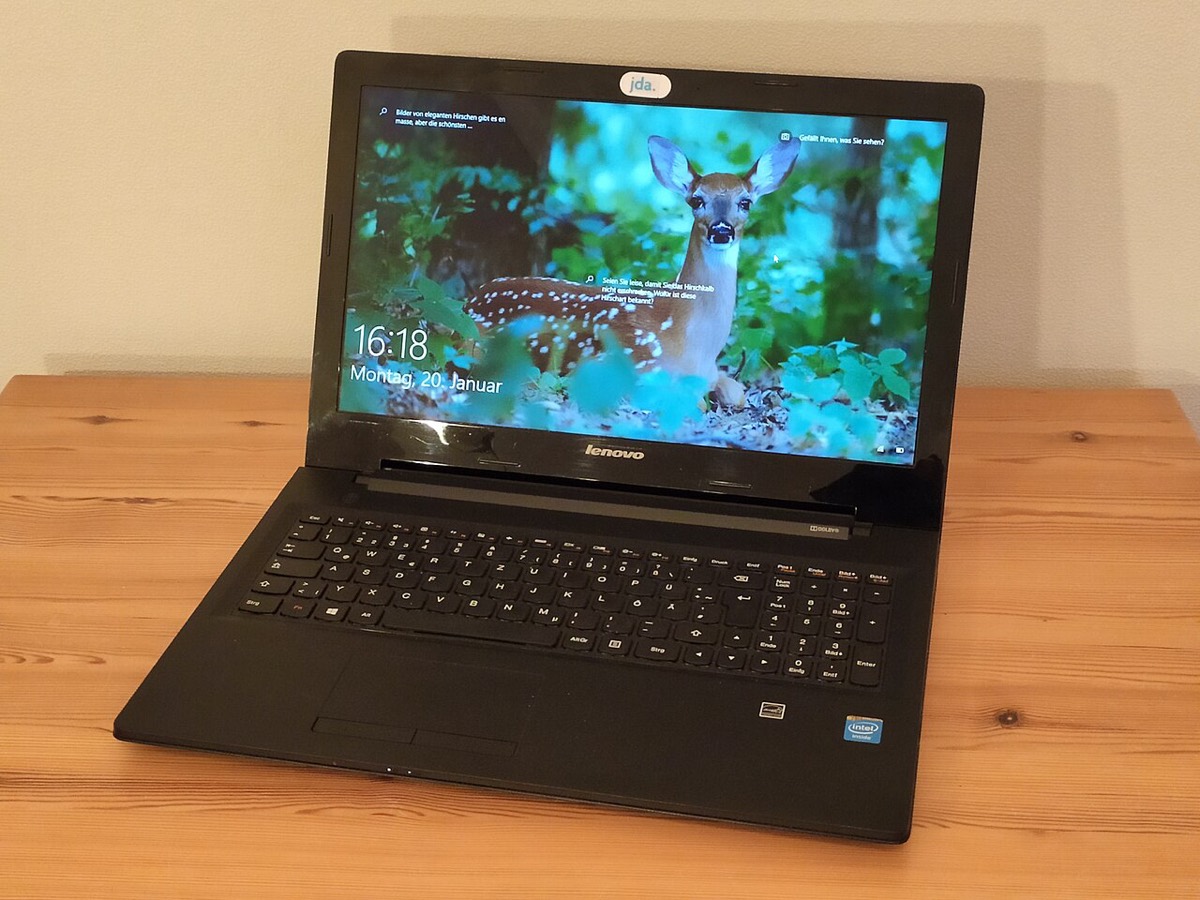

The Lenovo IdeaPad 3 (15ITL6) is an affordable 15.6-inch laptop with 11th-gen Intel processors, sold widely to students and home users. It came with TN or IPS screens, with or without touch, and a choice of battery sizes. Typical repairs are cracked screens, charging problems, worn batteries, keyboards damaged by spills, and storage or memory upgrades for machines that feel slow.
IdeaPad 3 15ITL6 repairs
- 15.6-inch screen replacement (TN, IPS or touch)
- Round-tip DC charging jack repair
- 38Wh or 45Wh battery replacement
- SO-DIMM RAM upgrade alongside soldered memory
- M.2 NVMe SSD upgrade
- Adding a 2.5-inch drive on supported models
- Keyboard replacement after spills
- Windows reinstall and virus cleanup
How the memory is laid out
The 15ITL6 has either 4GB or 8GB of memory soldered to the motherboard plus one DDR4 SO-DIMM slot. That means you can add memory, but you cannot replace the soldered part. Lenovo lists a maximum of 12GB or 16GB depending on the soldered amount. If your laptop has an empty slot, a memory upgrade is one of the cheapest ways to improve everyday performance.
Storage depends on the battery
There is one M.2 slot that takes 2280 or 2242 NVMe drives. Units built with the smaller 38Wh battery also have room for a 2.5-inch drive, while those with the 45Wh battery do not. We check which version you have before quoting a second drive.
Charging through the round-tip jack
This model charges through Lenovo’s round-tip adapter. The USB-C port is for data only and will not charge the laptop. If it stops charging, the adapter, jack or battery could be at fault. Bring the charger to either Las Vegas store for testing.
Frequently asked questions
Can I charge my IdeaPad 3 15ITL6 with USB-C?
No. Lenovo specifies the USB-C port on this model for data transfer only. Charging is through the round-tip power connector, so a damaged jack or adapter needs to be repaired or replaced.
How much RAM can I add?
One SO-DIMM slot is available alongside the soldered memory. Depending on whether your board has 4GB or 8GB soldered, Lenovo lists a maximum of 12GB or 16GB. We can confirm your configuration in store.
Is it worth repairing a budget laptop like this?
Often it is, especially for screens, batteries and SSD upgrades. We give a free visual inspection and a written estimate with a flat labor fee, so you can compare against replacement before deciding.
Finding your exact model
Look for the machine type and model on the label underneath, or the IdeaPad or Legion name printed there.
More help
We also offer upgrades where your configuration allows, onsite repair, and PC-3000 data recovery.