Home / Laptops / Alienware / Alienware m15 R6
Alienware m15 R6 repair in Las Vegas
Repairs for the Alienware m15 R6 (2021), including overheating and thermal repaste and fan replacement.
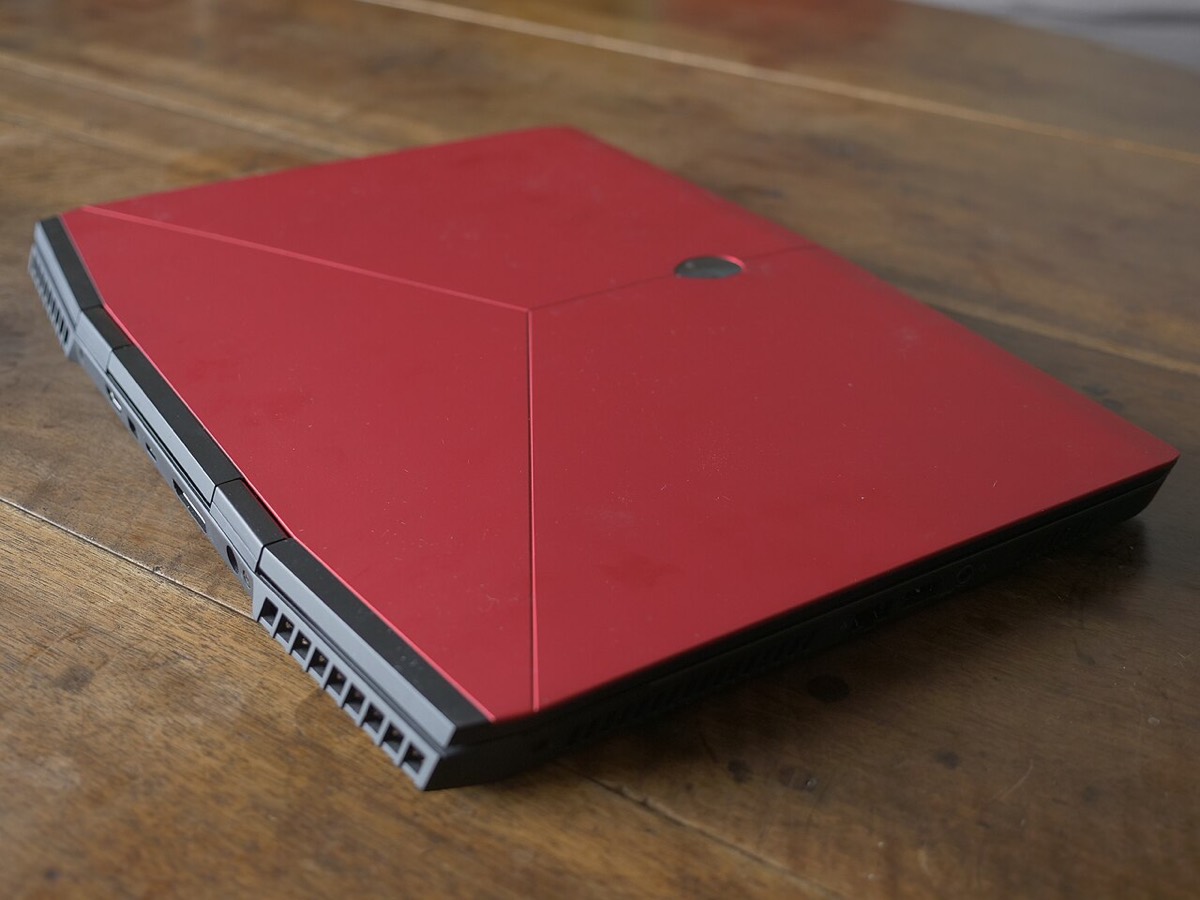

The Alienware m15 R6 is a 15.6-inch gaming laptop built around 11th-generation Intel Core H processors and NVIDIA RTX 30-series graphics, with high refresh rate display options. Owners usually bring it in for high temperatures and fan noise, a cracked or flickering panel, charging and power adapter problems, keyboard faults, a swollen battery, or to add SSD and memory capacity.
Common Alienware m15 R6 repairs
- Overheating, fan noise and thermal paste service
- FHD or QHD high refresh rate display replacement
- Power adapter, DC jack and charging faults
- Swollen or worn battery replacement
- Keyboard and backlighting problems
- M.2 SSD upgrade in the second slot
- SO-DIMM memory upgrade
- Windows reinstall and data recovery
Upgrades the R6 still allows
Unlike many thin gaming laptops, the m15 R6 keeps memory on two SO-DIMM slots, so DDR4 can be replaced or expanded. Dell also built in two M.2 slots for solid-state drives that accept 2230 or 2280 sizes. That makes adding a second SSD for games, or swapping to a larger boot drive, a practical upgrade rather than a full replacement.
Heat, dust and Las Vegas summers
With a high-power CPU and GPU in a 15-inch chassis, the m15 R6 depends on clean airflow. Dust in the fins and aging thermal compound push temperatures up and make the fans loud under load, especially in a hot room. We clean the cooling system, refresh the paste and check fan speeds so it runs cooler and quieter.
Battery swelling warning signs
A battery that swells can lift the touchpad, make the bottom panel bulge or cause the laptop to rock on a desk. Stop using it and do not press on it. The battery sits under the bottom cover and is replaced as a unit. Bring it to our Durango and Flamingo or Centennial store and we will check it for free.
Frequently asked questions
Can I upgrade the RAM in my Alienware m15 R6?
Yes. The m15 R6 uses two SO-DIMM slots rather than soldered memory, so modules can be replaced or upgraded. We confirm compatible DDR4 modules for your configuration before installing anything.
My m15 R6 is not charging with its adapter. What could cause that?
It could be the power adapter, the DC jack, the battery or the charging circuit on the board. We start with a free visual inspection. Harder faults get our diagnostic deposit, put toward the repair if you proceed.
Can you get files off my Alienware if it will not boot?
Often, yes, since the SSD is removable. If BitLocker or device encryption is on, we will need your recovery key. For physically failed drives we offer flat-fee data recovery with financing up to 12 months.
Finding your exact model
Find the Service Tag on the label underneath or on the back of the system.
More help
We also offer upgrades where your configuration allows, onsite repair, and PC-3000 data recovery.