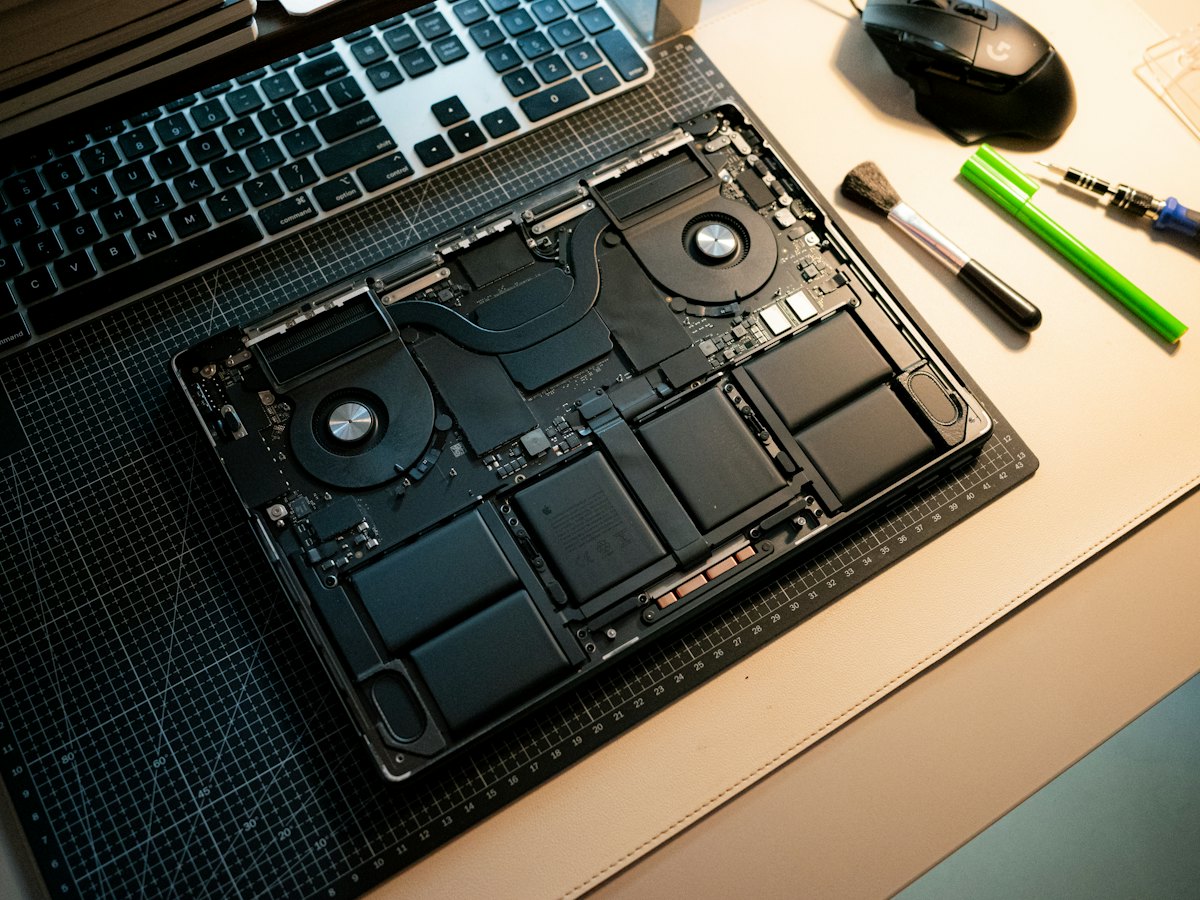
The Acer Aspire 5 (A515-56) is a 15.6-inch everyday laptop built around 11th-generation Intel processors, popular with students and home users. Owners commonly bring it in for a cracked screen, a laptop that will not charge, sticky or dead keys, a hinge that has worked loose, sluggish performance that calls for more memory or a faster SSD, or Windows that will not load.
Common Aspire 5 A515-56 repairs
- 15.6-inch screen replacement
- Power jack and charging faults
- Keyboard and palmrest replacement
- Loose or cracked hinges and hinge mounts
- RAM upgrade using the open SO-DIMM slot
- NVMe SSD upgrade or 2.5-inch drive install
- Battery replacement
- Windows repair and data transfer
Half soldered, half upgradeable memory
The A515-56 has some memory soldered to the motherboard, typically 4GB or 8GB, plus one open SO-DIMM slot. Adding a DDR4 module is one of the most affordable ways to make this laptop feel quicker, especially with lots of browser tabs. The soldered portion cannot be replaced, so if it fails the fix is at the motherboard level rather than a quick stick swap.
Room for a second drive
Storage is flexible on this model. There is one M.2 slot for an NVMe SSD, and the chassis also supports a 2.5-inch SATA drive. Units that did not ship with that drive usually lack the bracket and ribbon cable, which we can order. Parts usually arrive in 3 to 5 business days, and adding a second drive is a handy way to keep photos and school files separate.
Hinges and the plastic base
Like many budget laptops, the Aspire 5 mounts its hinges into a plastic lid and base. Opening the lid from one corner, or carrying the laptop by the screen, slowly loosens the mounts until the bezel starts to separate. Catching it early often means a simpler repair. If the screen wobbles or creaks when you open it, bring it to one of our Las Vegas stores for a free look.
Frequently asked questions
How much RAM can I add to my Acer Aspire 5 A515-56?
There is one free SO-DIMM slot alongside the soldered memory. The total depends on how much is soldered on your unit, so we check the exact configuration and recommend a compatible DDR4 module before installing it.
My Aspire 5 only charges if I hold the cable at an angle. Can that be fixed?
That usually points to a worn power jack, a damaged adapter cable or a loose connection inside. We test the charger and the jack during a free visual inspection and explain whether the jack, cable or board needs attention.
Is it worth repairing an older Aspire 5?
Often it is, since screens, keyboards, batteries and SSDs are reasonably serviceable on this model. We charge a flat labor fee and give a written estimate first, so you can compare the repair cost against a replacement laptop.
Finding your exact model
Look on the label underneath for a model starting with letters such as A515 or AN515.
More help
We also offer upgrades where your configuration allows, onsite repair, and PC-3000 data recovery.