Home / Laptops / Microsoft / Microsoft Surface Pro 8
Microsoft Surface Pro 8 repair in Las Vegas
Repairs for the Microsoft Surface Pro 8 (2021), including touchscreen and digitizer replacement and hinge and keyboard connection faults.
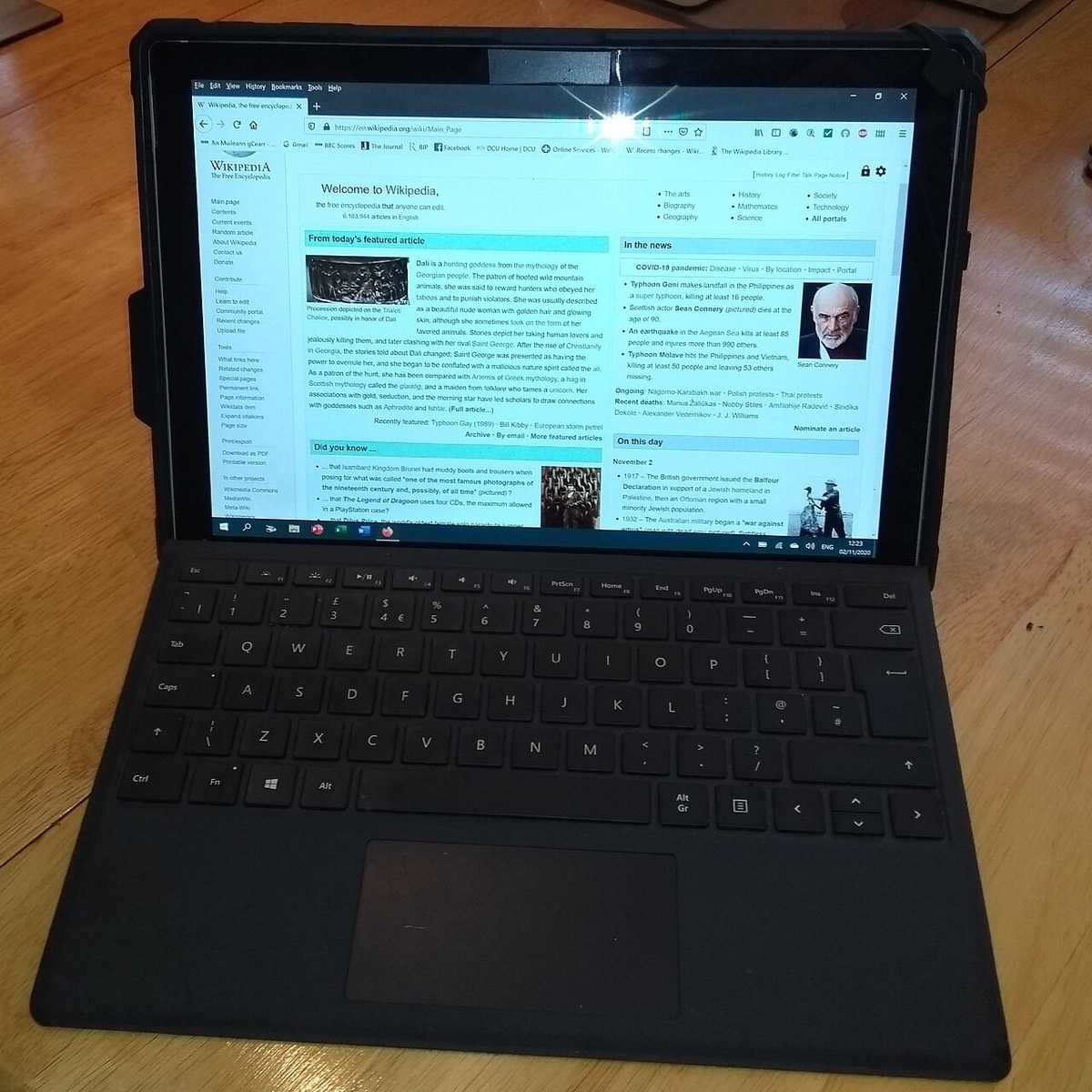

The Microsoft Surface Pro 8 brought a larger 13-inch 120Hz touchscreen, thinner bezels and two Thunderbolt 4 ports to the Surface line. Typical reasons owners bring it in include a cracked display after a drop, a battery that no longer holds a charge, a Type Cover that stopped registering, charging trouble on the Surface Connect or USB-C side, and SSD upgrades.
Common Surface Pro 8 repairs
- 13-inch 120Hz touchscreen replacement
- Battery replacement for poor runtime or swelling
- Removable M.2 2230 SSD upgrade or replacement
- Thunderbolt 4 USB-C port faults
- Surface Connect charging problems
- Type Cover and pen charging cradle issues
- Overheating and fan noise checks
Storage you can reach, memory you cannot
Like the 7+, the Surface Pro 8 has a removable M.2 2230 SSD behind a small door under the kickstand. That makes it straightforward to fit a bigger drive or replace one that has started failing. The RAM is soldered, so choosing an upgrade means focusing on storage only.
Display and battery replacement on the Pro 8
The large glass panel is held to the magnesium frame with adhesive, and the battery is glued in beneath it. Both jobs involve heating and lifting the screen carefully so the digitizer and cables survive. A crack that only affects the glass still usually means replacing the full display assembly, since the layers are laminated together.
Charging diagnosis
The Pro 8 can charge from its Surface Connect port or either Thunderbolt 4 port. Testing each path with known-good chargers tells us whether the fault lies with a port, a power brick, the charging circuit or the battery itself, so you only pay to fix the part that actually failed.
Frequently asked questions
Can I upgrade the storage in my Surface Pro 8?
Yes. Lift the kickstand and you will find a small door covering the removable M.2 2230 SSD. We can install a larger drive and help move your data across, often from the original drive if it still works.
Is it worth fixing a cracked Surface Pro 8 screen?
In many cases, yes, especially when the rest of the tablet works well. We give you a written estimate first so you can compare the repair against replacement before deciding.
Do I need an appointment?
No. Walk-ins are welcome at both of our Las Vegas locations, Durango & Flamingo and Centennial / North Las Vegas, and the first visual inspection is free. Bring your charger and Type Cover if the fault involves either.
Finding your exact model
Open Settings, then System and About, or check the small print on the device.
More help
We also offer upgrades where your configuration allows, onsite repair, and PC-3000 data recovery.