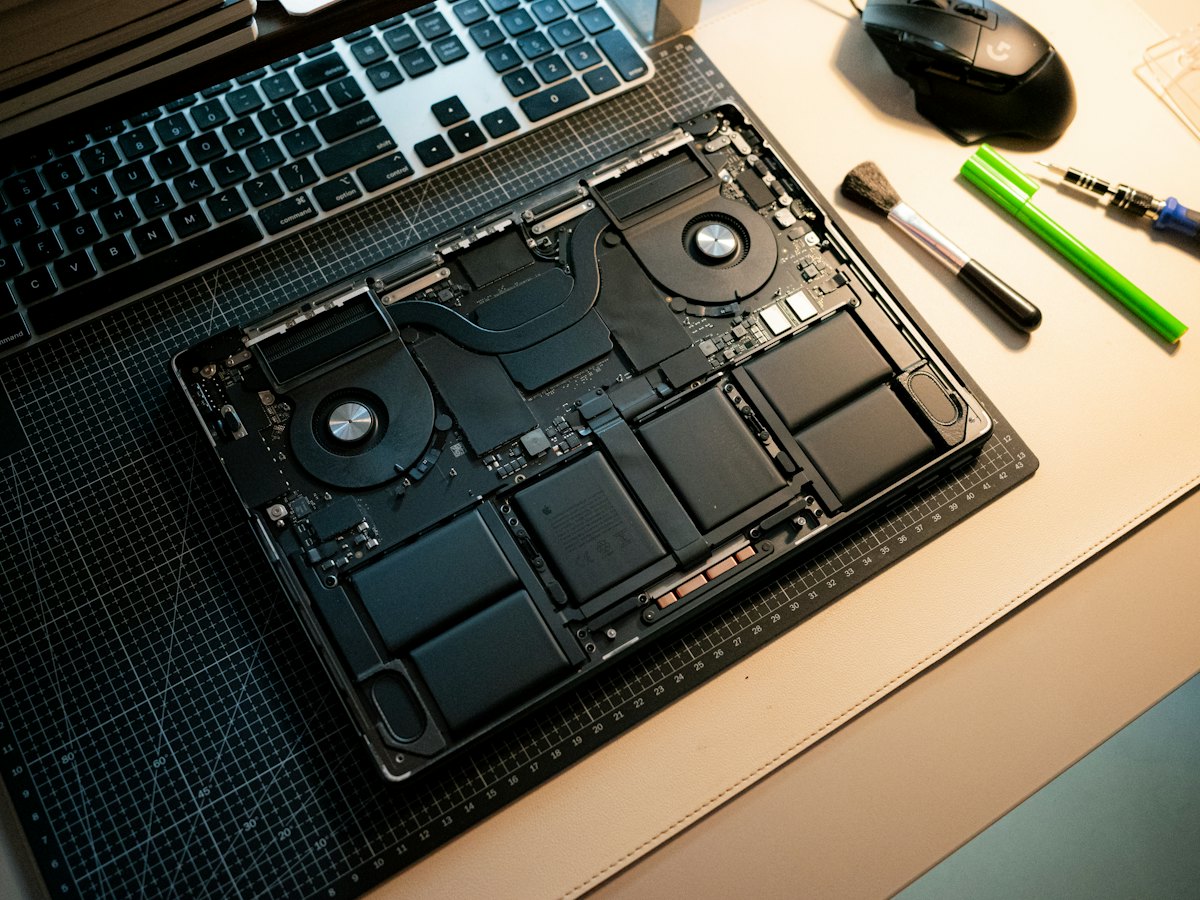
The Razer Blade 15 (2021) put RTX 30-series graphics into a CNC aluminum unibody, with display choices ranging from high-refresh FHD and QHD panels to a 4K OLED. Owners often bring it in for a swollen battery lifting the touchpad or case, a cracked or flickering screen, heavy heat under load, charging problems, or memory and storage upgrades.
Common Razer Blade 15 (2021) repairs
- Swollen battery replacement
- Touchpad that will not click due to battery pressure
- FHD, QHD or OLED display replacement
- Vapor chamber cleaning and thermal paste refresh
- Power port and charging circuit faults
- RAM and M.2 SSD upgrades
- Keyboard and per-key RGB lighting issues
- Bent or separating bottom panel
Watch for a swelling battery
Battery swelling is a well-known issue across Razer Blade laptops, and Razer itself publishes guidance about it. Warning signs include a touchpad that stops clicking, a bottom panel that rocks on a desk or a gap opening along the case. Stop charging it and bring it in. A swollen lithium battery should be removed promptly and never punctured.
Upgrades depend on the configuration
The 2021 Blade 15 was sold in Base and Advanced versions with different internals. Many configurations use SO-DIMM memory and an M.2 NVMe drive that can be replaced, and some Advanced models include a second open M.2 slot. Since the layout varies by version and display option, we check your exact model number before recommending parts.
Heat in a slim aluminum chassis
The Blade runs hot by design, and dust buildup makes it worse. Fans pull in fine desert dust that packs into the fins, and the thermal compound dries out over time. Cleaning the cooling system and replacing that compound often brings temperatures and fan noise back to normal, and helps the GPU hold its boost clocks.
Frequently asked questions
My Blade 15 touchpad will not click anymore. Why?
On Blade laptops, a touchpad that suddenly stops clicking is often a sign the battery underneath is swelling and pushing up on it. Stop charging, power it down and bring it to our Las Vegas shop for a free visual inspection.
Can you upgrade the storage on a 2021 Blade 15?
In most cases, yes. The NVMe drive can be replaced with a larger one, and some Advanced configurations have a second free M.2 slot. We confirm what your unit supports first.
How long will a battery replacement take?
If the battery is not in stock, parts usually arrive in 3-5 business days. We provide a written estimate with a flat labor fee before ordering.
Finding your exact model
The serial number is on the underside, and Razer's model year helps us find the right parts.
More help
We also offer upgrades where your configuration allows, onsite repair, and PC-3000 data recovery.