Home / Laptops / Acer / Acer Nitro 5 (AN515-57)
Acer Nitro 5 (AN515-57) repair in Las Vegas
Repairs for the Acer Nitro 5 (AN515-57) (2021), including overheating and thermal repaste and fan replacement.
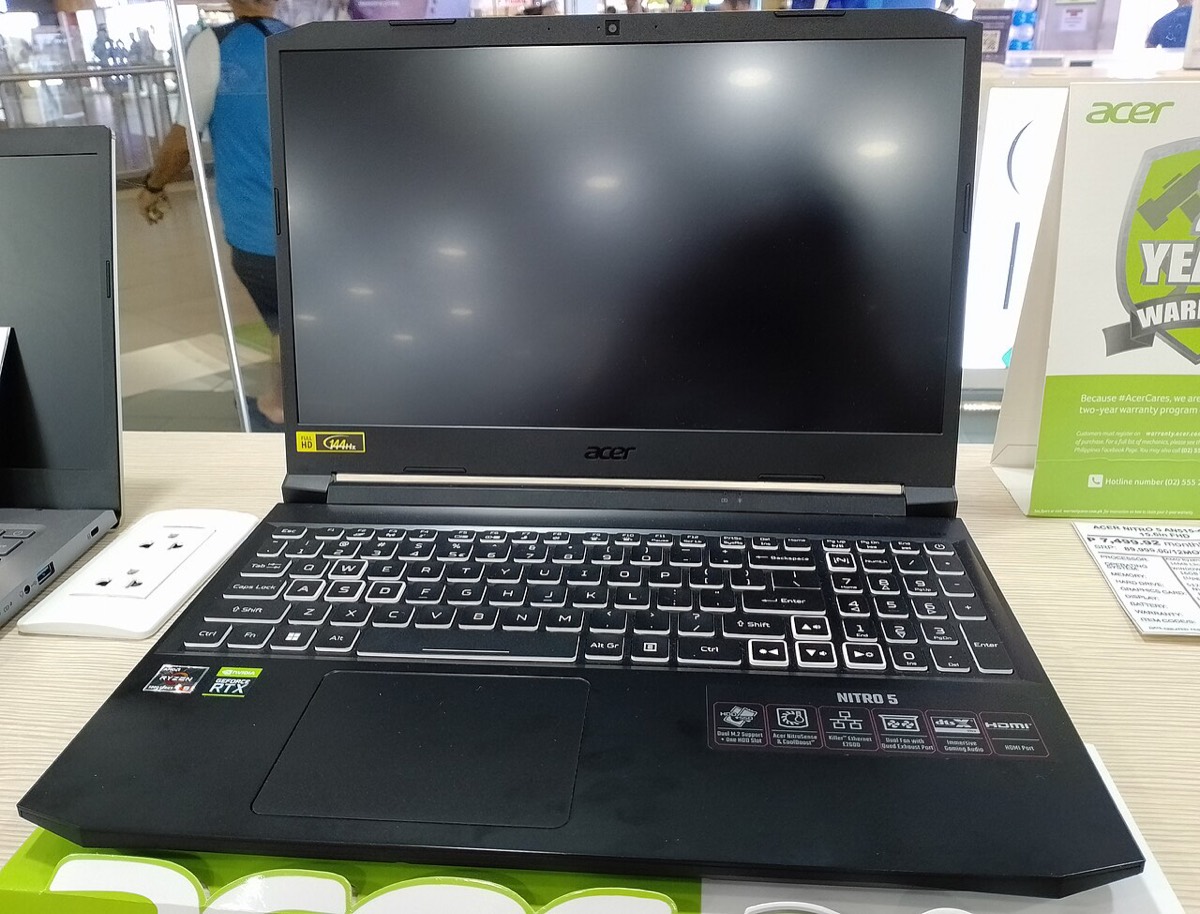

The Acer Nitro 5 (AN515-57) is a 15.6-inch gaming laptop with an 11th-generation Intel H-series processor and an NVIDIA RTX graphics option, often bought as a first gaming machine. Owners usually bring it in for overheating and loud fans, frame drops during long sessions, a cracked high refresh rate screen, a broken hinge, charging problems, or to add storage and memory.
Common Nitro 5 AN515-57 repairs
- Overheating, thermal throttling and loud fans
- Fan replacement and heatsink cleaning
- Thermal paste replacement on CPU and GPU
- Broken hinge or cracked hinge mounts
- High refresh rate screen replacement
- DC power jack and charger diagnosis
- Second M.2 SSD install or RAID setup
- DDR4 memory upgrade across two slots
Keeping it cool in the desert
The Nitro 5 pushes a lot of heat through a shared heatpipe system and two fans. Dust, pet hair and dried thermal paste gradually choke that airflow, and a warm room in a Las Vegas summer makes it worse. A thorough cleaning and fresh paste often brings temperatures and fan noise back down. Gaming on a bed or couch blocks the intakes, so a hard surface helps too.
Easy upgrades under the bottom panel
This generation is friendly to upgrades. The bottom cover comes off after removing eleven Phillips screws, revealing two SO-DIMM slots for DDR4 memory and two M.2 slots. One M.2 slot takes PCIe NVMe drives only, while the other accepts PCIe or SATA. That makes it simple to add a second SSD for your game library without touching your Windows drive.
Hinge care before it breaks
Nitro 5 hinges are mounted into the plastic display housing, and stiff hinges plus daily opening can crack those mounts over time. Warning signs include a gap opening near the hinge, creaking, or a lid that no longer holds its angle. Fixing it early can avoid a full lid or screen replacement later.
Frequently asked questions
Why does my Nitro 5 shut off while gaming?
Sudden shutdowns under load usually point to overheating from clogged fans or old thermal paste, though a weak charger or battery can also cause it. A free visual inspection is the first step, and more complex faults get our diagnostic deposit, put toward the repair.
Can I add another SSD to the AN515-57?
Yes. It has two M.2 slots, so in most units one is free for a second drive. We install it, format it and can move your game library over so your main drive has more breathing room.
The screen hinge on my Nitro 5 snapped. Can it be repaired?
In many cases, yes. Depending on the damage, we replace the hinges, repair the mounts or replace the display housing. Hinge and housing parts usually arrive in 3 to 5 business days.
Finding your exact model
Look on the label underneath for a model starting with letters such as A515 or AN515.
More help
We also offer upgrades where your configuration allows, onsite repair, and PC-3000 data recovery.