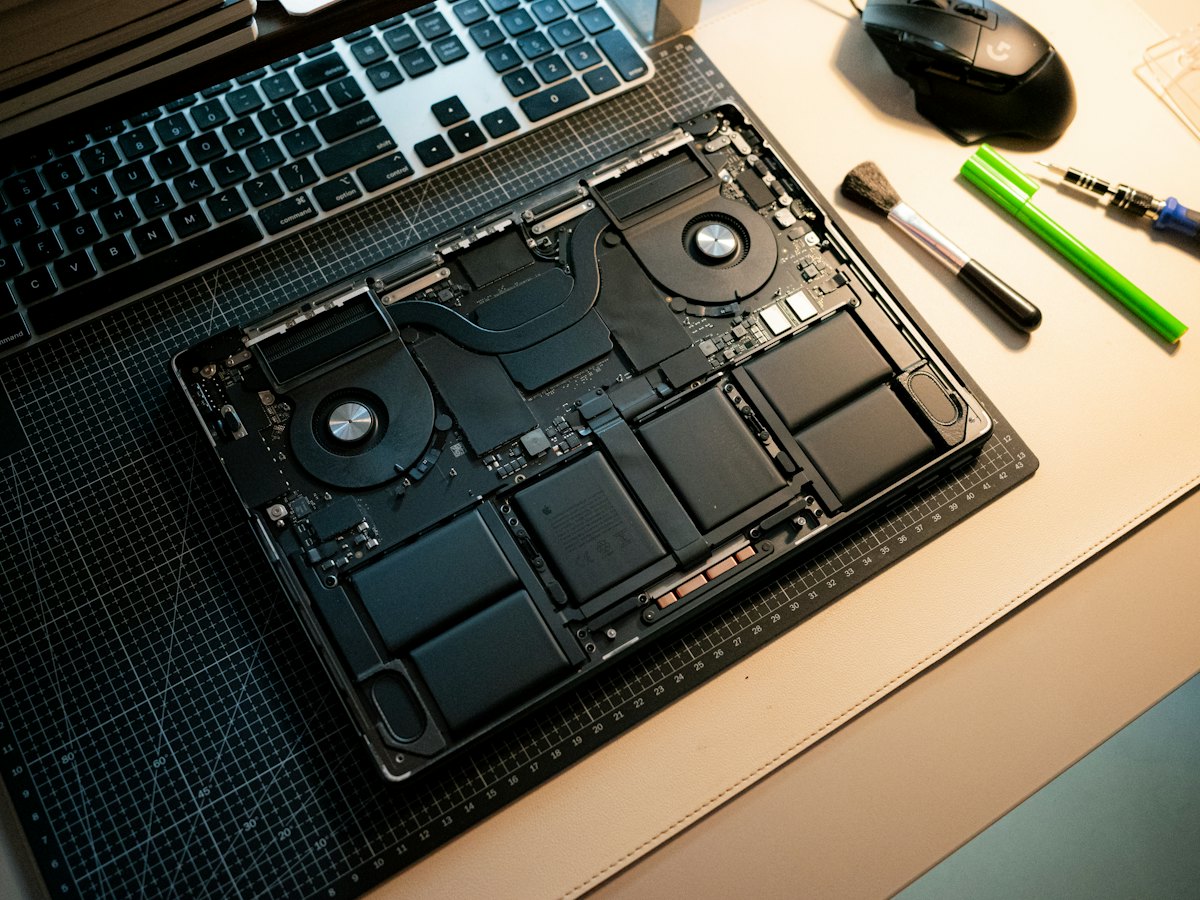
The Dell G15 5520 is a 2022 gaming laptop with 12th Gen Intel processors and GeForce RTX 30-series graphics in a 15.6-inch chassis. Owners usually bring it in when the fans get loud or games start stuttering from heat, when the screen or hinge is damaged, when it will not charge, or to add memory and storage for bigger game libraries.
Common Dell G15 5520 repairs
- Fan and heatsink cleaning
- Overheating and thermal throttling diagnosis
- DDR5 SO-DIMM memory upgrades
- M.2 NVMe SSD upgrades
- 15.6-inch high refresh rate display replacement
- Hinge and lid repairs
- Barrel power jack and charger faults
- Battery replacement
Room to upgrade
The G15 5520 uses two DDR5 SO-DIMM slots, so memory can be added or replaced rather than being soldered in. Storage is on M.2 NVMe, which makes a capacity or speed upgrade straightforward. We check the exact configuration of your unit before recommending parts, since slot layouts and fitted drives vary between builds.
Keeping a gaming laptop cool
Gaming laptops pull in a lot of air, and the fins behind the rear vents trap dust and pet hair. When a G15 runs hotter than it did new, a thorough clean of the fans and heatsink is often the first fix. Reaching the cooling system takes more disassembly than a RAM swap, so it is best done in one visit, and a hot Las Vegas room makes clogged vents worse.
Battery and power
The battery is held with screws and connects by a cable to the system board, so a replacement does not involve glue. The laptop charges through a barrel connector, and a loose jack is worth fixing before it causes intermittent shutdowns.
Frequently asked questions
What RAM does the Dell G15 5520 take?
It uses DDR5 SO-DIMM modules in two slots. We confirm the speed and capacity that suit your unit before installing anything, and parts usually arrive in 3 to 5 business days if they are not in stock.
My G15 is overheating during games. What can be done?
Often a clean of the fans and heatsink, plus fresh thermal compound, brings temperatures back down. If a fan is failing, it can be replaced. A free visual inspection is the place to start.
Do you price match?
Yes. We price match within 30 days on a written estimate. We also charge a flat labor fee, so the price is clear before work begins.
Finding your exact model
Find the Service Tag on the label underneath, which identifies your exact configuration.
More help
We also offer upgrades where your configuration allows, onsite repair, and PC-3000 data recovery.