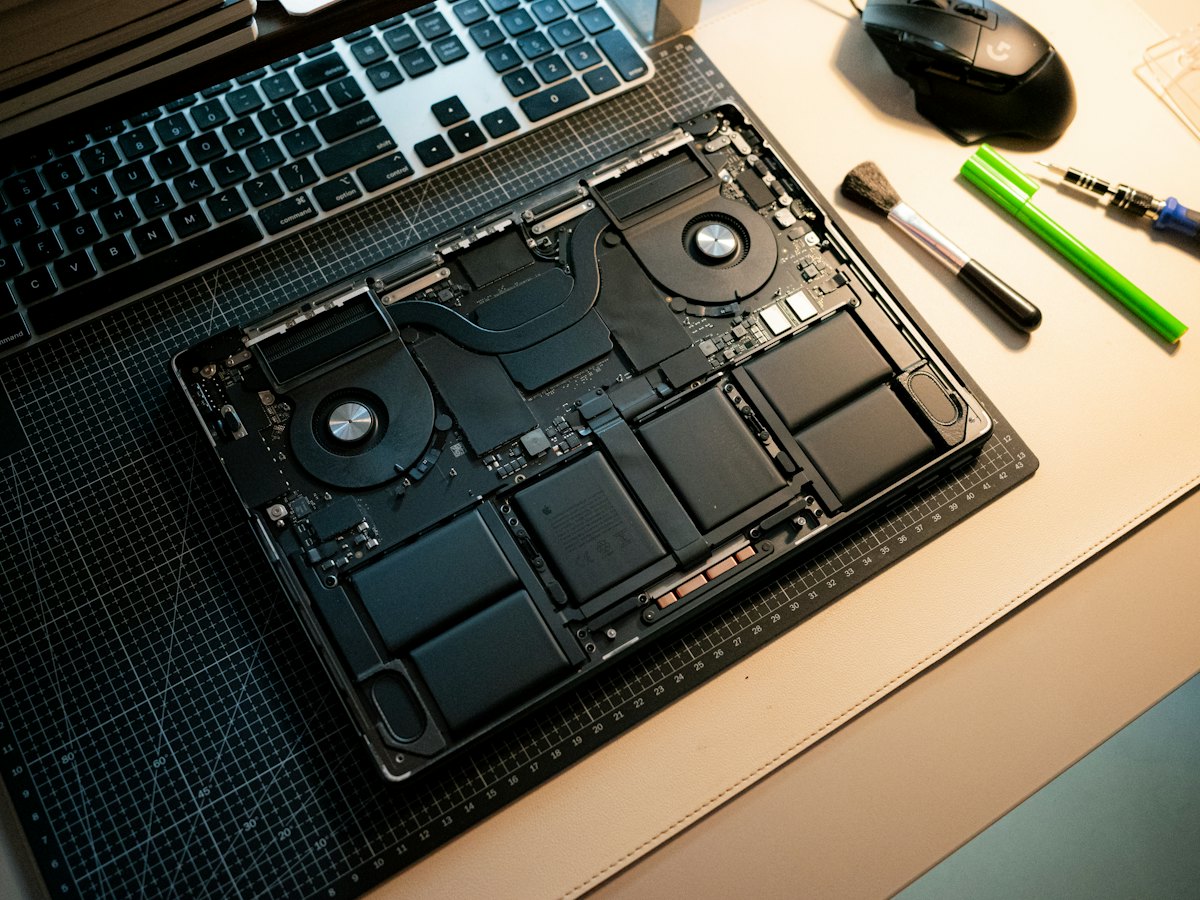
The Dell Latitude 5420 is a 14-inch business laptop with 11th Gen Intel processors, Thunderbolt 4 USB-C charging and options like a smart card reader and an IR camera. Companies and remote workers typically bring them in for screen damage, worn batteries, charging faults, keyboard wear, or to add memory or storage. Downtime matters with work machines, so knowing the layout helps.
Common Latitude 5420 repairs
- 14-inch display replacement
- Battery replacement
- USB-C / Thunderbolt 4 charging diagnosis
- DDR4 SO-DIMM memory upgrades
- M.2 SSD replacement or upgrade
- Keyboard and pointing stick repairs
- Docking and external display issues
- Fan cleaning and overheating
Built to be serviced
The 5420 has two DDR4 SO-DIMM slots and an M.2 SSD, so memory and storage can be upgraded or replaced. The battery is held with screws, not glue, which keeps a replacement straightforward. That serviceability is a big reason a fleet of these laptops can stay in use longer with targeted repairs.
BitLocker and company devices
Many Latitudes are encrypted with BitLocker, especially when an IT department set them up. Changes to the system board or certain BIOS settings can trigger a recovery-key prompt, so have the key available before a repair. For data recovery on an encrypted drive, the key is usually required. Our flat-fee data recovery in Las Vegas comes with financing up to 12 months.
Onsite for offices
For businesses with several Latitudes, onsite service is available across the valley, including North Las Vegas and Henderson, which can keep staff working while a machine is checked. Single units can simply be walked in at either store, and a free visual inspection is the first step for any fault.
Frequently asked questions
My Latitude 5420 is asking for a BitLocker recovery key after a repair. Why?
BitLocker watches for hardware or firmware changes and asks for the key when it sees one. The key is often stored in your Microsoft or company account, or with your IT department. We cannot bypass it, so keep it handy.
Can the 5420 charge from any USB-C charger?
It charges over USB-C, but a low-wattage charger may charge slowly or show a warning. If it will not charge from a proper Dell adapter, the port or charging circuit may need attention. A free visual inspection is the first step.
Can you upgrade several laptops at once?
Yes. Memory and SSD upgrades suit this model well. We charge a flat labor fee, and we price match within 30 days on a written estimate.
Finding your exact model
Find the Service Tag on the label underneath, which identifies your exact configuration.
More help
We also offer upgrades where your configuration allows, onsite repair, and PC-3000 data recovery.