Home / Laptops / Dell / Dell XPS 15 (9500)
Dell XPS 15 (9500) repair in Las Vegas
Repairs for the Dell XPS 15 (9500) (2020), including screen replacement and battery replacement.
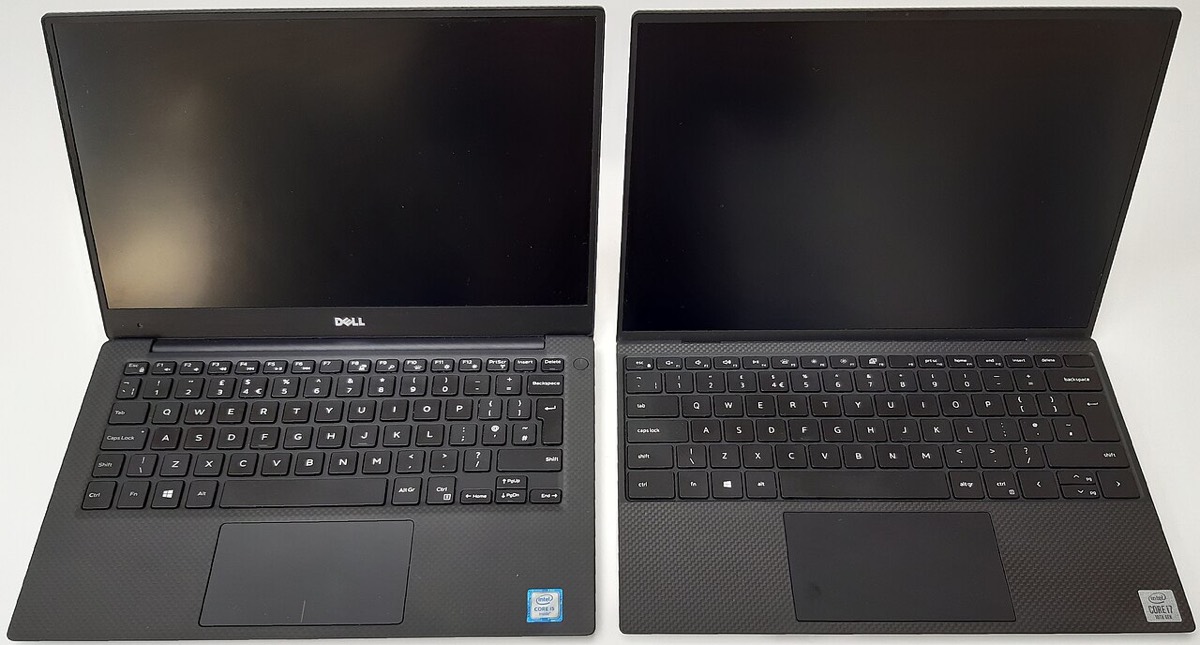

The Dell XPS 15 (9500) was the 2020 redesign that brought the 16:10 display and four-sided thin bezels to the line, and it is still a capable machine. Owners usually bring it to us when the USB-C ports stop charging, the battery starts to bulge or fade, the screen cracks or flickers, or they want more RAM and storage without buying a new laptop.
Common XPS 15 9500 repairs
- FHD+ or UHD+ touch display assembly replacement
- Swollen or worn battery replacement (screwed in, not glued)
- USB-C / Thunderbolt 3 charging port and power faults
- RAM upgrades using the two SO-DIMM slots
- Adding a second M.2 SSD or replacing the boot drive
- Keyboard and palm rest assembly replacement
- Fan cleaning and thermal paste refresh
- Liquid damage cleaning and board inspection
Why the 9500 is worth repairing
Unlike many thin laptops, the XPS 15 9500 keeps its memory and storage on removable parts. It has two SO-DIMM memory slots and two M.2 SSD slots, so a tired machine can often be brought up to date with a RAM or storage upgrade rather than replaced. The battery is held in with screws, which is simpler than on models with glued cells.
Charging only through USB-C
The 9500 has no barrel power jack; it charges through its USB-C ports. When a laptop will not charge, the cause can be the adapter, the cable, a worn port, the battery or the charging circuit on the board. Bring the charger with you to either Las Vegas store so we can test the whole chain. A free visual inspection covers obvious damage, and deeper electrical faults go through a diagnostic deposit that is put toward the repair.
Screens on the 9500
Dell sold the 9500 with a 1920 x 1200 non-touch panel or a 3840 x 2400 UHD+ touch panel. The two are not interchangeable without care, so we match the replacement to the panel your machine shipped with. The display comes as a full lid assembly, and parts usually arrive in 3-5 business days.
Frequently asked questions
Can I upgrade the RAM in my XPS 15 9500?
Yes. The 9500 uses two standard DDR4 SO-DIMM slots, so memory can be replaced or increased instead of being soldered to the board. We can check what is installed now and suggest a matched pair that runs in dual channel.
My XPS 15 9500 touchpad is lifting. What does that mean?
A touchpad or palm rest that is pushing upward on a laptop with an internal battery is a common sign of a swelling battery. Stop charging it and bring it in to one of our Las Vegas stores for a free visual inspection before it does more damage.
Can you recover files from an XPS 15 9500 that will not boot?
In many cases, yes. The SSD is a removable M.2 drive, which helps. If BitLocker or device encryption is turned on, we will need your recovery key. Data recovery is offered at a flat fee, with financing available up to 12 months.
Finding your exact model
Find the Service Tag on the label underneath, which identifies your exact configuration.
More help
We also offer upgrades where your configuration allows, onsite repair, and PC-3000 data recovery.