Home / Laptops / Dell / Dell XPS 13 Plus (9320)
Dell XPS 13 Plus (9320) repair in Las Vegas
Repairs for the Dell XPS 13 Plus (9320) (2022), including screen replacement and battery replacement.
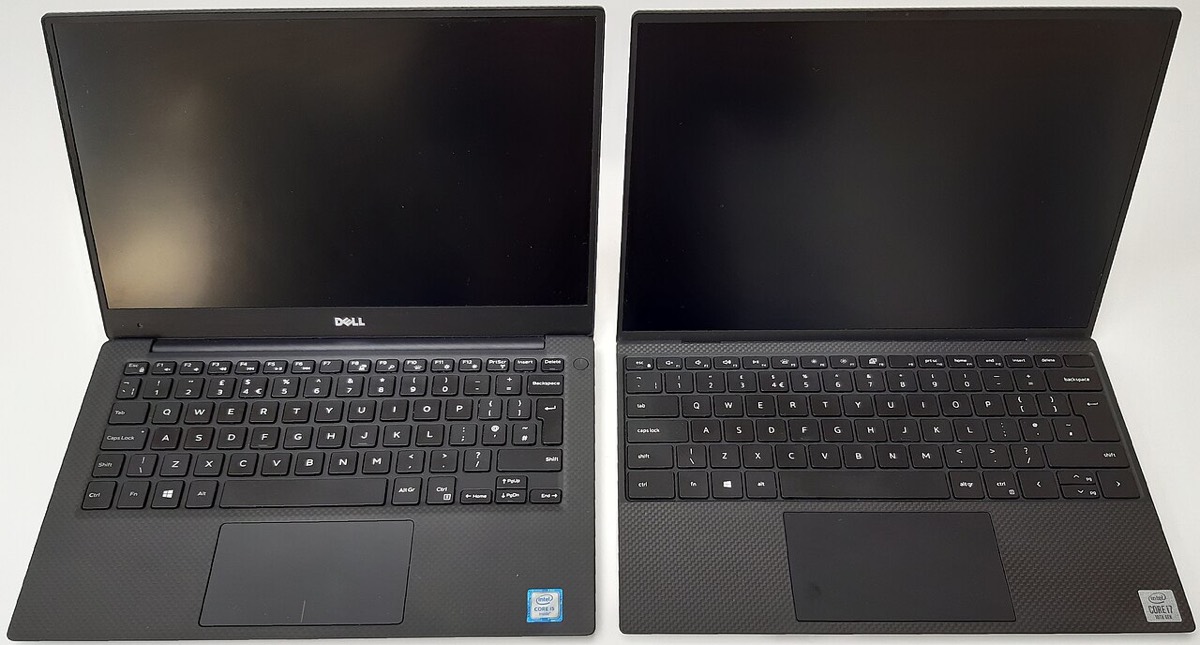

The Dell XPS 13 Plus 9320 is a 12th Gen Intel ultrabook with an unusual design: an edge-to-edge zero-lattice keyboard, a capacitive touch function row and a haptic glass touchpad you cannot see. It also has just two Thunderbolt 4 ports and no headphone jack. Owners usually come in for screen damage, a battery issue, charging trouble, or a touch row or touchpad that stops responding.
Common XPS 13 Plus repairs
- OLED or 4K touch display replacement
- Battery replacement
- Thunderbolt 4 USB-C charging port faults
- Capacitive touch function row not responding
- Haptic touchpad faults
- Zero-lattice keyboard key problems
- M.2 2280 SSD upgrade
- Overheating and fan noise
Touch controls that need diagnosis
The function keys on the 9320 are a capacitive touch strip, and the touchpad uses haptic feedback rather than a physical click. When either stops working, the cause can be drivers, firmware, a cable or the part itself. Starting with software checks often saves an unnecessary part replacement, so a free inspection is a good first step.
Storage and memory
The LPDDR5 memory is soldered, so RAM cannot be upgraded. The SSD is a standard M.2 2280 drive, which makes upgrading storage straightforward. Many units have Windows device encryption or BitLocker turned on, so have your recovery key before storage or board work. Our data recovery service is a flat fee with financing up to 12 months.
Display choices
Dell offered the XPS 13 Plus with different panels, including a 3.5K OLED and a 4K touch screen. The right replacement depends on what your unit shipped with, because the panels differ in resolution, touch support and connection. We confirm the exact screen fitted to your laptop before ordering, so the replacement matches the original.
Frequently asked questions
My XPS 13 Plus touch function row went dark. Can it be fixed?
In many cases, yes. It can be a driver, BIOS or cable issue, not always the strip itself. If it is a complex fault, our diagnostic deposit is put toward the repair.
Can I add a headphone jack or more ports?
The 9320 has no headphone jack and only two USB-C ports, so a USB-C audio adapter or a small hub is the usual answer. We can help you pick one that works with Thunderbolt 4.
Where can I drop it off?
Walk in at either of our stores, on Durango and Flamingo or at Centennial in North Las Vegas. We also offer onsite service in Las Vegas, North Las Vegas and Henderson.
Finding your exact model
Find the Service Tag on the label underneath, which identifies your exact configuration.
More help
We also offer upgrades where your configuration allows, onsite repair, and PC-3000 data recovery.