Home / Laptops / Dell / Dell XPS 13 (9310)
Dell XPS 13 (9310) repair in Las Vegas
Repairs for the Dell XPS 13 (9310) (2020), including screen replacement and battery replacement.
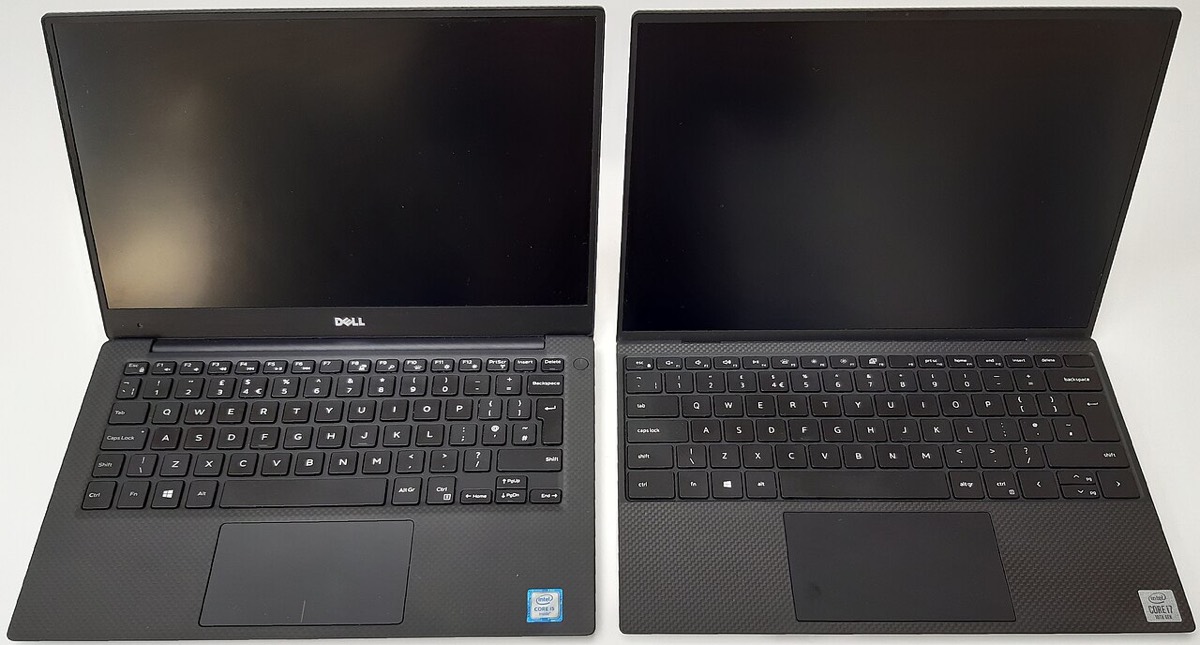

The Dell XPS 13 9310 is a compact 11th Gen Intel ultrabook with a 16:10 InfinityEdge display, two Thunderbolt 4 ports and not much else on the sides. People usually bring one in for a cracked or flickering screen, a swollen or tired battery, a USB-C port that will not charge, or a full SSD. Its tight build means each repair needs a careful approach.
Common XPS 13 9310 repairs
- 13.4-inch InfinityEdge display replacement
- Battery replacement, including swollen batteries
- Thunderbolt 4 USB-C charging port faults
- M.2 2230 SSD upgrade or replacement
- Keyboard and touchpad issues
- Fan noise and dust cleaning
- Webcam and wireless card faults
- Windows reinstall and BitLocker help
Small SSD, soldered memory
Memory on the 9310 is soldered LPDDR4x, so RAM cannot be added later. Storage is on a compact M.2 2230 SSD, which can be replaced with a larger one. Because the drive is short, standard-length 2280 SSDs will not fit, so we use the correct size. Windows on many XPS laptops has device encryption turned on, so note your recovery key before any storage work.
Batteries and swelling
The battery is screwed in rather than glued, which makes replacement manageable. A swelling battery can lift the touchpad or push the bottom cover out, and it should be dealt with promptly rather than left in a hot car or a warm Las Vegas office.
Only two ports to rely on
The 9310 has two Thunderbolt 4 USB-C ports, and both charge the laptop. If one port fails, the other may still work, which helps confirm whether the fault is the port or the charging circuit. Because those two ports also handle displays and accessories, a loose one tends to be noticed quickly, and a repair is often simpler than living with a dongle that keeps disconnecting.
Frequently asked questions
Can I upgrade the RAM in my XPS 13 9310?
No, the memory is soldered to the motherboard. The SSD can be upgraded, though, and we can clone your current drive so you keep your files and programs.
My XPS 13 touchpad is raised and clicks oddly. What is wrong?
That can be a sign of a swelling battery pressing up from underneath. Stop using it and bring it in. A visual inspection is free, and battery parts usually arrive in 3 to 5 business days.
Can you recover data if my XPS will not start?
Often, yes, because the M.2 SSD can be removed and read. If it is encrypted, the recovery key is needed. Our data recovery is a flat fee with financing up to 12 months.
Finding your exact model
Find the Service Tag on the label underneath, which identifies your exact configuration.
More help
We also offer upgrades where your configuration allows, onsite repair, and PC-3000 data recovery.