Home / Laptops / ASUS / ASUS Vivobook 15 (X515)
ASUS Vivobook 15 (X515) repair in Las Vegas
Repairs for the ASUS Vivobook 15 (X515) (2021), including screen replacement and battery replacement.
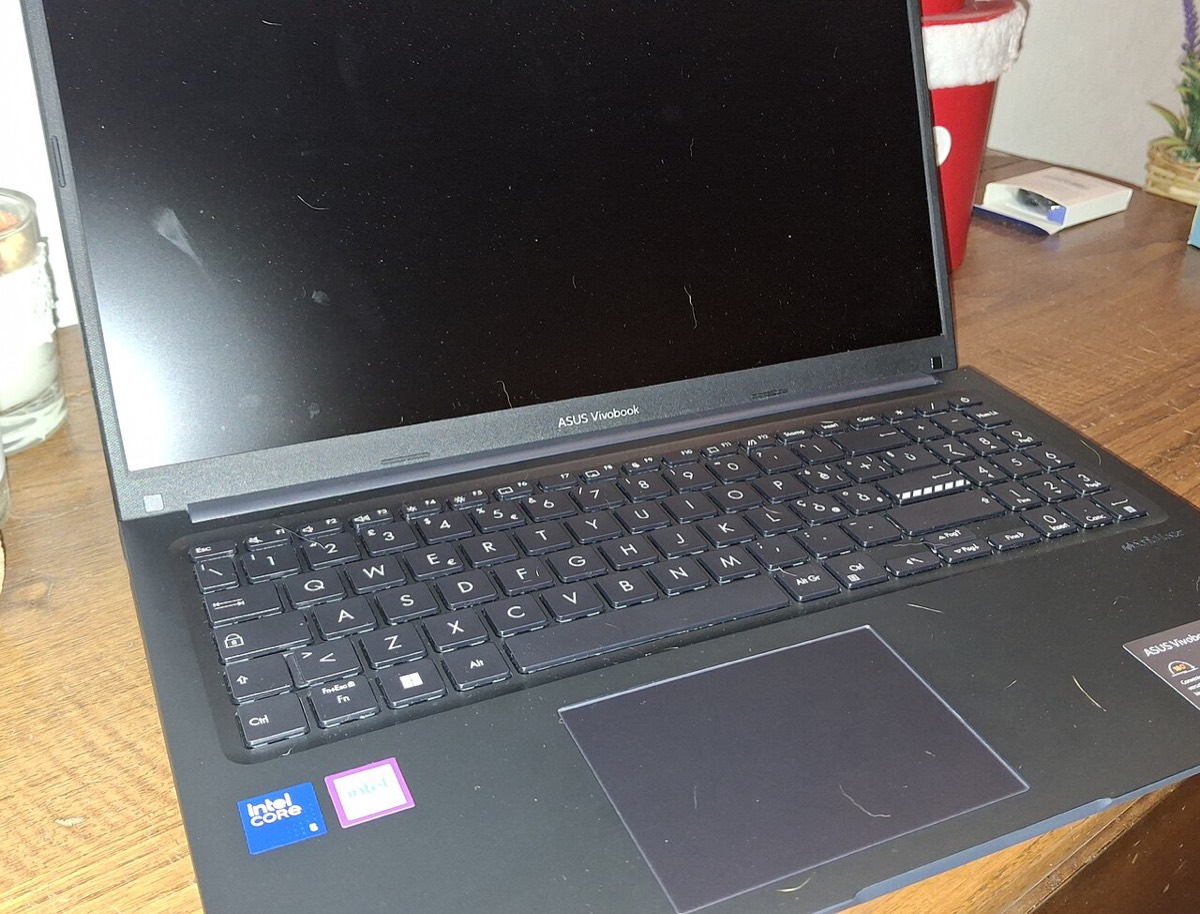

The ASUS Vivobook 15 X515 is an everyday 15.6-inch laptop for school, home and office work, sold in many Intel and AMD configurations. Most come in because they have become slow, have a cracked screen or a broken hinge, will not charge, or need a fresh Windows install. Because these are budget machines, a sensible upgrade is often worth more than replacing the laptop.
Common Vivobook 15 X515 repairs
- 15.6-inch display replacement
- Hinge and lid repairs
- SSD replacement or upgrade
- Adding RAM to the open SO-DIMM slot
- Barrel charging jack and adapter faults
- Keyboard replacement
- Battery replacement
- Windows reinstall and virus removal
Speeding up an X515
Many X515 units pair a small amount of soldered memory with one SO-DIMM slot, so adding a module is a straightforward way to make multitasking smoother. Storage is on an M.2 SSD that can be replaced with a larger or faster drive. Because ASUS sold so many X515 variants, the exact memory limit and SSD type vary, and we check yours before ordering anything.
Screens, hinges and the bottom case
Budget laptops use thinner plastic around the hinges, and a lid that is regularly opened from one corner can loosen the mounts over time. Catching a creaky or stiff hinge early often keeps the display and its cable from being damaged, and it is usually a simpler repair at that stage. The bottom panel is held by clips as well as screws, so it should be opened carefully to avoid snapping the tabs.
Saving your files first
If your Vivobook will not start because of a Windows or motherboard problem, the SSD is often still readable once removed, so photos and documents can be copied to a new drive or an external disk. When the drive itself has failed, our Las Vegas data recovery service is a flat fee with financing up to 12 months.
Frequently asked questions
Is my Vivobook 15 worth fixing?
In many cases, yes, especially for a screen, charging jack or SSD upgrade. We start with a free visual inspection and give a written estimate so you can decide. We also price match within 30 days on a written estimate.
Can you add RAM to an X515?
Most X515 models have one SO-DIMM slot alongside soldered memory. How much you can add depends on the exact model, which we confirm before ordering a module.
My laptop only charges if I hold the cable a certain way. What is wrong?
That usually points to a worn charger plug, a damaged cable or a loose DC jack inside the laptop. Bring the charger with you to either Las Vegas store so we can test both sides.
Finding your exact model
Look on the label underneath for a code such as GA401 or UX3402.
More help
We also offer upgrades where your configuration allows, onsite repair, and PC-3000 data recovery.