Home / Laptops / ASUS / ASUS Zenbook 14 (UX425)
ASUS Zenbook 14 (UX425) repair in Las Vegas
Repairs for the ASUS Zenbook 14 (UX425) (2020), including screen replacement and battery replacement.
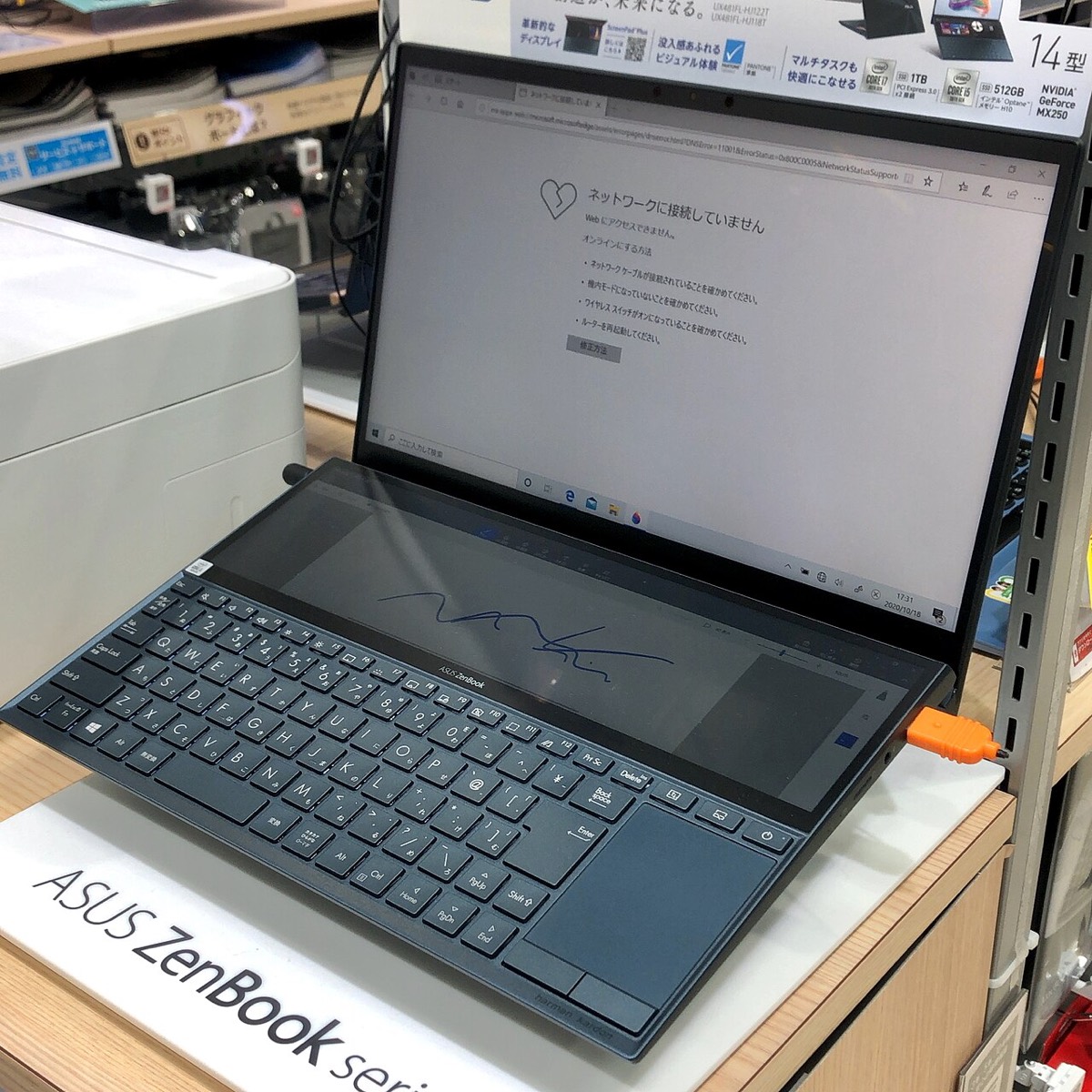

The ASUS Zenbook 14 UX425 is a slim aluminum ultrabook with an ErgoLift hinge, Thunderbolt 4 USB-C ports and an optional NumberPad built into the touchpad. Owners typically bring one in for a cracked 14-inch screen, a battery that drains fast, USB-C charging problems or a full SSD. It is a compact machine, so knowing which parts can be swapped helps set expectations.
Common Zenbook 14 UX425 repairs
- 14-inch display replacement
- Battery replacement
- Thunderbolt 4 USB-C charging port faults
- M.2 SSD upgrade or replacement
- NumberPad and touchpad problems
- Keyboard and backlight repairs
- ErgoLift hinge damage
- Liquid spill cleanup
What you can and cannot upgrade
The UX425’s memory is soldered LPDDR4X, so the RAM it shipped with is what it keeps. Storage is more flexible: the SSD is a standard M.2 drive, and swapping in a larger one is one of the most useful upgrades for an older Zenbook. We can clone your existing drive so your files and programs come across.
Charging through USB-C
This Zenbook charges through its Thunderbolt 4 USB-C ports, so a cracked port, debris inside it or a failing third-party charger can all look like a dead battery. Testing with a known-good adapter is a quick first step. ASUS also left out the headphone jack on this model and included a USB-C audio adapter, so a missing sound output is often the adapter rather than the laptop.
Screen and hinge
The ErgoLift hinge tilts the keyboard up when the lid opens, and the lower edge of the screen rests on the desk. A hard knock there can crack the panel. Display replacements in Las Vegas start with a free visual inspection.
Frequently asked questions
Can I add more RAM to my Zenbook 14 UX425?
No. The memory is soldered to the motherboard. The SSD can be upgraded, though, and a larger or faster drive often makes the biggest difference on this model.
My UX425 will not charge. Is it the battery?
Not necessarily. On a USB-C laptop, the charger, the cable, a worn port or the charging circuit on the motherboard can all cause the same symptom. A free inspection can rule out the simple causes, and complex faults may need a diagnostic deposit put toward the repair.
Can you come to me?
Yes, we offer onsite service in Las Vegas, North Las Vegas and Henderson, which suits software and setup work. Screen and board repairs are done in the shop, and walk-ins are welcome at both of our stores.
Finding your exact model
Look on the label underneath for a code such as GA401 or UX3402.
More help
We also offer upgrades where your configuration allows, onsite repair, and PC-3000 data recovery.